
Your Zoom calls deserve more than palm trees and space stations
Create a professional branded background that makes every Zoom meeting a branding opportunity. Upload your logo, pick a scene, and look polished in seconds.
Create Your Zoom BackgroundWhy use Branded BG for Zoom
Professional first impressions on every Zoom call
Your background is the first thing people notice when you join a call. A branded background instantly communicates professionalism and attention to detail, setting a positive tone before you even speak. It shows prospects, clients, and colleagues that you take your brand seriously.
Compatible with all Zoom plans
Whether you are on Zoom Free, Pro, Business, or Enterprise, virtual backgrounds work across every plan. There is no premium feature gating or extra cost -- just upload your branded image and you are ready to go on any Zoom account.
Works without a green screen
Modern Zoom clients support virtual backgrounds without a physical green screen on most hardware from the last few years. Simply ensure you have decent lighting and a reasonably uncluttered space behind you, and Zoom will handle the rest with its built-in AI.
Consistent branding across your entire team
When every team member uses the same branded background, your organization presents a unified visual identity on every call. This consistency builds familiarity with clients over time and reinforces brand recognition throughout every interaction.
How to set up on Zoom
Get your branded background running on Zoom in just a few simple steps.
Create your branded background
Choose from 100+ professional scenes, upload your logo, and get your background in under 30 seconds. Branded BG places your logo with scene-aware positioning so it looks naturally integrated.
Download your background
Get your 1920x1080 high-resolution branded background ready for Zoom. The file is optimized for Zoom's compression algorithm so your branding stays crisp and clear during calls.
Apply in Zoom settings
Open Zoom > Settings > Background & Effects > Click the + button to add your image. Your branded background appears instantly and will persist across all future calls until you change it.
Popular backgrounds for Zoom
Choose from our curated collection of professional backgrounds, then add your logo with scene-aware integration.

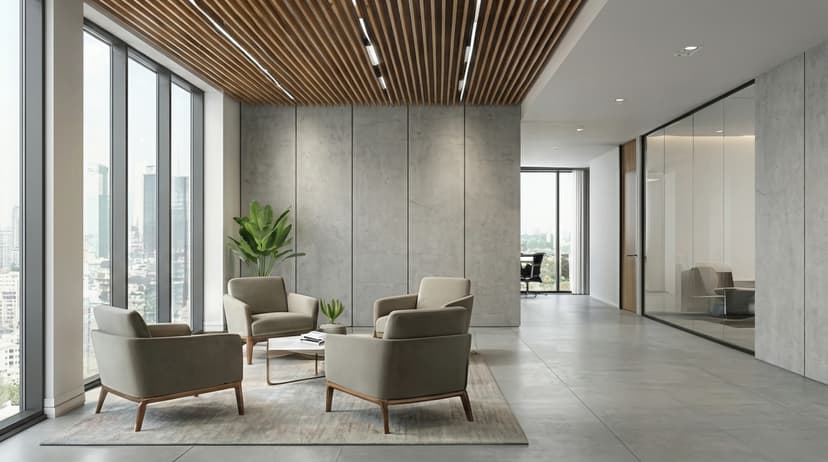



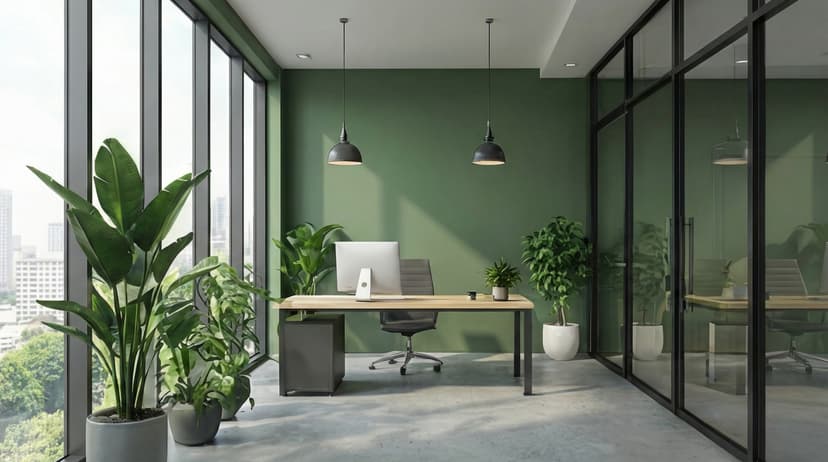
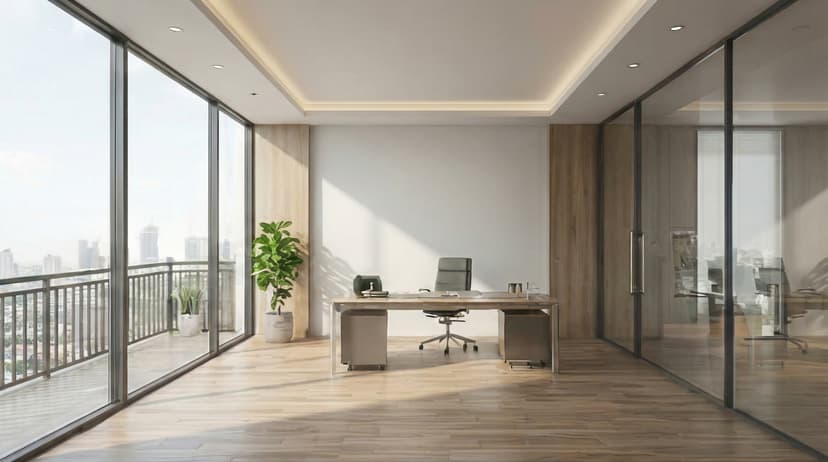
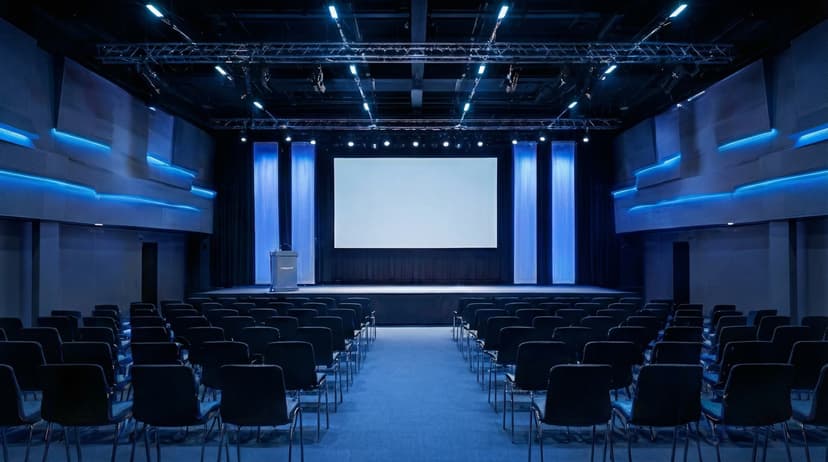
Plus 100+ more backgrounds to choose from
Frequently Asked Questions
Can I use branded backgrounds on Zoom?
Yes! Branded BG backgrounds work perfectly with Zoom. Simply download your branded background and set it as your virtual background in Zoom's settings.
What size should Zoom backgrounds be?
For the best results on Zoom, we recommend 1920x1080 resolution. All Branded BG backgrounds are optimized at this size for crisp, professional display.
How do I set a custom background in Zoom?
After downloading your branded background from Branded BG, open Zoom's video settings, navigate to the virtual background section, and upload your image. It takes less than a minute.
Does Branded BG work with Zoom?
Absolutely. Branded BG creates high-quality virtual backgrounds that are fully compatible with Zoom and every other major video conferencing platform.
What if I'm not happy with the result?
If a generation doesn't meet your expectations, simply email info@brandedbg.com with your request. After a manual review, we'll provide a full refund or create a custom generation that satisfies your needs.
Ready to elevate your Zoom presence?
Create your first branded background in under 30 seconds.
Get Started Free