
Give your show a professional studio look
Whether you are recording a podcast, filming video content, or streaming live, a branded background creates the professional studio aesthetic that audiences expect -- without the cost of building an actual studio.
Create Your Show BackgroundWhy use Branded BG for Podcasts & Video
Professional studio aesthetic without the studio
Building a dedicated podcast or video studio costs thousands of dollars. A branded virtual background delivers the same polished, professional look for a fraction of the cost. Your audience sees a clean, branded backdrop that signals quality content, regardless of where you are actually recording.
Build recognizable show branding
Consistent visual branding helps audiences instantly recognize your content. A branded background with your show logo or name becomes a visual signature that viewers and listeners associate with your brand, building familiarity and loyalty across episodes and platforms.
Consistent look across episodes and guests
When you record with remote guests, their environments vary wildly. Providing guests with your branded background ensures every episode has a consistent visual quality. It makes your show look more produced and professional, even when recording remotely with guests around the world.
Ready for video clips and social promotion
Podcast clips and video highlights are essential for social media promotion. A branded background ensures every clip is automatically on-brand, turning raw recording footage into polished promotional content without any additional editing or post-production work.
How to set up on Podcasts & Video
Get your branded background running on Podcasts & Video in just a few simple steps.
Create your show background
Choose a studio or creative scene and upload your show logo or personal brand. For interview shows, consider creating a guest-friendly version that features your show name without your personal branding.
Download your background
Download your 1920x1080 branded background. If you record with remote guests, prepare a shareable link or file so guests can apply the same background for visual consistency.
Apply in your recording setup
Set your branded background in your recording platform (Zoom, Riverside, SquadCast, StreamYard, etc.) before hitting record. Test your lighting and framing to ensure the background looks natural on camera.
Popular backgrounds for Podcasts & Video
Choose from our curated collection of professional backgrounds, then add your logo with scene-aware integration.
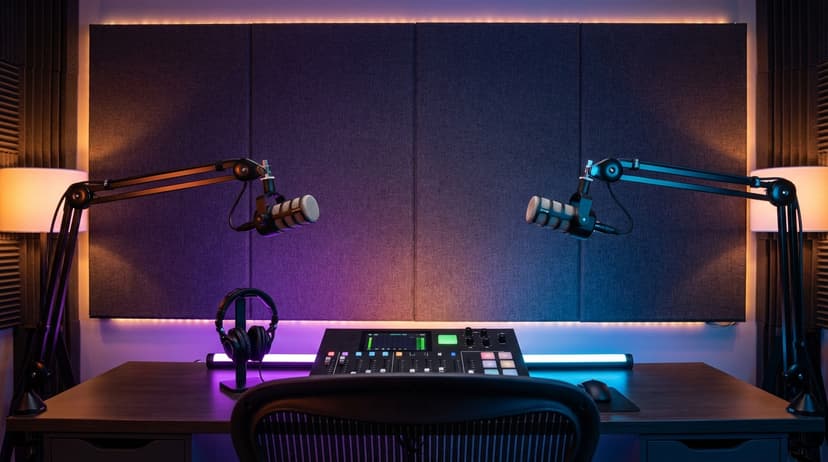
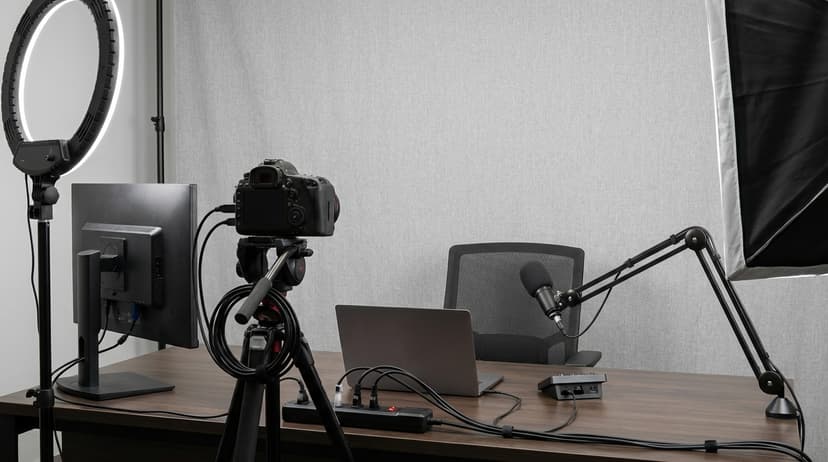

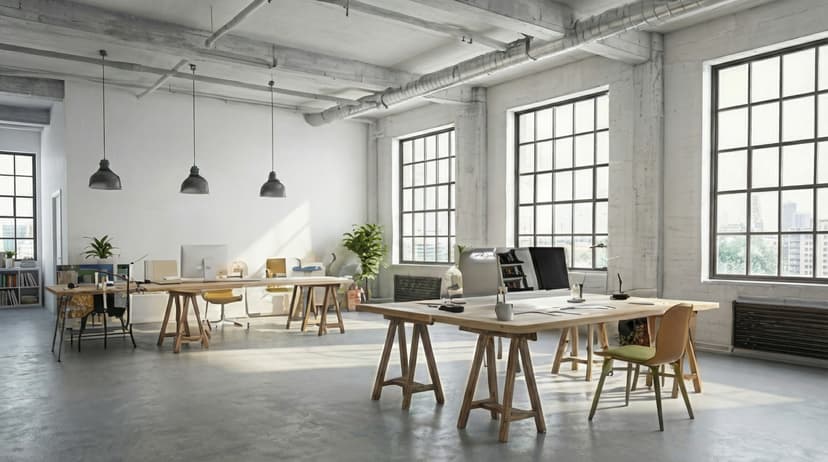
Plus 100+ more backgrounds to choose from
Frequently Asked Questions
Can I use branded backgrounds on Podcasts & Video?
Yes! Branded BG backgrounds work perfectly with Podcasts & Video. Simply download your branded background and set it as your virtual background in Podcasts & Video's settings.
What size should Podcasts & Video backgrounds be?
For the best results on Podcasts & Video, we recommend 1920x1080 resolution. All Branded BG backgrounds are optimized at this size for crisp, professional display.
How do I set a custom background in Podcasts & Video?
After downloading your branded background from Branded BG, open Podcasts & Video's video settings, navigate to the virtual background section, and upload your image. It takes less than a minute.
Does Branded BG work with Podcasts & Video?
Absolutely. Branded BG creates high-quality virtual backgrounds that are fully compatible with Podcasts & Video and every other major video conferencing platform.
What if I'm not happy with the result?
If a generation doesn't meet your expectations, simply email info@brandedbg.com with your request. After a manual review, we'll provide a full refund or create a custom generation that satisfies your needs.
Ready to elevate your Podcasts & Video presence?
Create your first branded background in under 30 seconds.
Get Started Free