
Unite your company under one visual identity
All-hands meetings are the moments when your entire company comes together. Branded backgrounds create a visual sense of unity across hundreds or thousands of video tiles, reinforcing company culture and shared identity.
Unite Your TeamWhy use Branded BG for All-Hands Meetings
Visual unity across the entire organization
When every employee joins the all-hands with the same branded background, the effect is striking. Instead of a patchwork of bedrooms, kitchens, and messy offices, leadership sees a unified wall of brand-aligned video tiles that communicates organizational cohesion and shared purpose.
Reinforce company culture remotely
Culture is harder to maintain in distributed teams. Branded backgrounds at all-hands meetings serve as a visual ritual that reinforces belonging. They remind every employee that they are part of something bigger, creating a shared visual experience that strengthens team identity.
Professional backdrop for leadership presentations
When the CEO or executive team presents at an all-hands, their background sets the tone. A polished branded background signals that this is an important, well-prepared event -- not just another video call. It elevates the weight and significance of leadership communications.
Easy rollout across large teams
Branded backgrounds are simple to distribute to every employee via email, Slack, or your intranet. A single download link can equip your entire company with a consistent branded background before the next all-hands, with no IT deployment or platform configuration required.
How to set up on All-Hands Meetings
Get your branded background running on All-Hands Meetings in just a few simple steps.
Create your all-hands background
Choose a professional scene and upload your company logo. For special events like annual kickoffs or milestone celebrations, consider creating themed versions that mark the occasion.
Download and distribute
Download your 1920x1080 branded background and share it with your team via Slack, email, or your company intranet. Include brief instructions for applying it on Zoom, Teams, or Meet.
Apply before the all-hands
Encourage all employees to set the branded background before the meeting begins. Leadership should lead by example and apply the background first, signaling its importance to the rest of the organization.
Popular backgrounds for All-Hands Meetings
Choose from our curated collection of professional backgrounds, then add your logo with scene-aware integration.

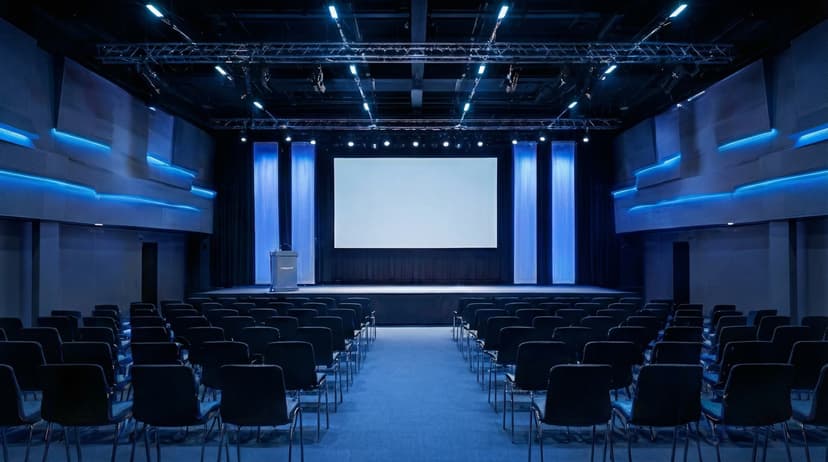
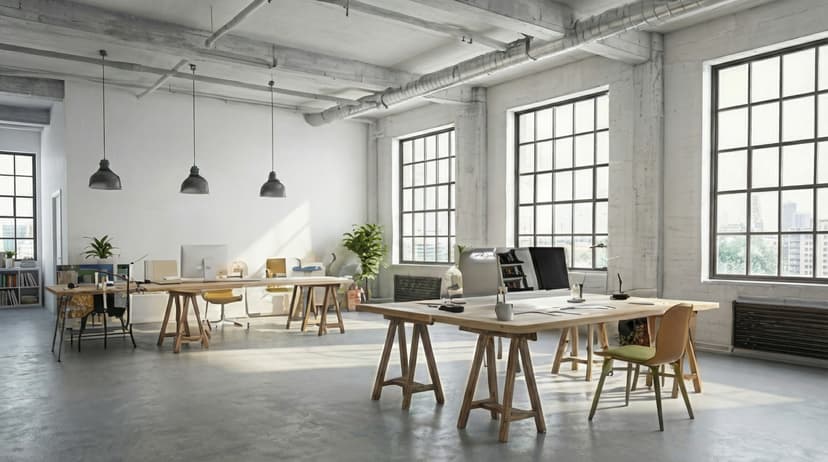
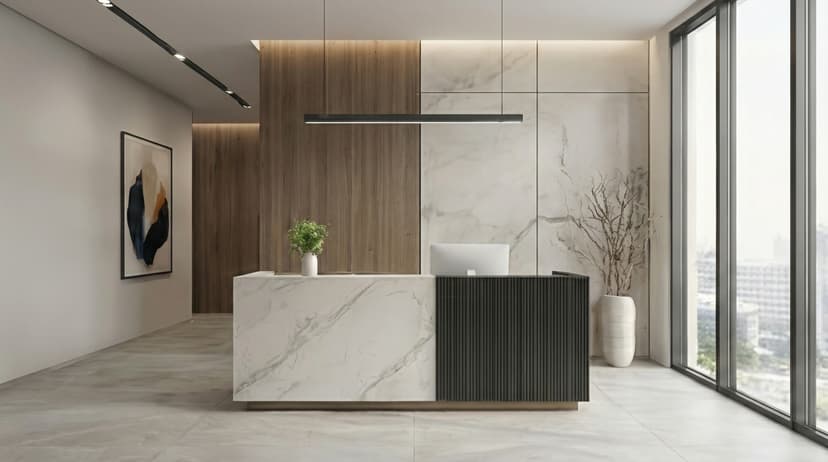
Plus 100+ more backgrounds to choose from
Frequently Asked Questions
Can I use branded backgrounds on All-Hands Meetings?
Yes! Branded BG backgrounds work perfectly with All-Hands Meetings. Simply download your branded background and set it as your virtual background in All-Hands Meetings's settings.
What size should All-Hands Meetings backgrounds be?
For the best results on All-Hands Meetings, we recommend 1920x1080 resolution. All Branded BG backgrounds are optimized at this size for crisp, professional display.
How do I set a custom background in All-Hands Meetings?
After downloading your branded background from Branded BG, open All-Hands Meetings's video settings, navigate to the virtual background section, and upload your image. It takes less than a minute.
Does Branded BG work with All-Hands Meetings?
Absolutely. Branded BG creates high-quality virtual backgrounds that are fully compatible with All-Hands Meetings and every other major video conferencing platform.
What if I'm not happy with the result?
If a generation doesn't meet your expectations, simply email info@brandedbg.com with your request. After a manual review, we'll provide a full refund or create a custom generation that satisfies your needs.
Ready to elevate your All-Hands Meetings presence?
Create your first branded background in under 30 seconds.
Get Started Free