
Bring your brand to every Teams meeting
From daily standups to high-stakes client presentations, a branded Teams background keeps your visual identity front and center. Create yours in seconds and deploy it across your entire organization.
Create Your Teams BackgroundWhy use Branded BG for Microsoft Teams
Seamless Microsoft 365 integration
Teams is already the hub for your organization's collaboration. Adding branded backgrounds fits naturally into your existing Microsoft 365 workflow. Your team can apply backgrounds directly from Teams settings without needing any additional software or plugins.
Supports Teams Rooms and desktop
Whether your team is joining from their laptop or a dedicated Teams Room, branded backgrounds work across both environments. This ensures consistent branding in conference rooms and individual workspaces alike, covering every meeting scenario.
IT admins can deploy org-wide
Microsoft Teams allows IT administrators to pre-load approved backgrounds for the entire organization. This means you can create branded backgrounds once and distribute them to every employee, ensuring brand consistency without relying on individual setup.
Consistent presence across all meetings
Internal standups, cross-department syncs, client demos, and board presentations all benefit from a professional branded background. Your team looks polished and unified whether the audience is internal stakeholders or external decision-makers.
How to set up on Microsoft Teams
Get your branded background running on Microsoft Teams in just a few simple steps.
Create your branded background
Choose from 100+ professional scenes, upload your logo, and get your background in under 30 seconds. Branded BG handles logo placement automatically with scene-aware positioning.
Download your background
Get your branded background optimized for Teams at 1920x1080 resolution and under 2MB. The file format and size are tuned for Teams' virtual background requirements.
Apply in Teams
In a Teams meeting, click More (...) > Video effects > Add new > select your image. Or for persistent use, go to Teams Settings > Devices > Background effects to upload your branded background so it applies to all future meetings automatically.
Popular backgrounds for Microsoft Teams
Choose from our curated collection of professional backgrounds, then add your logo with scene-aware integration.
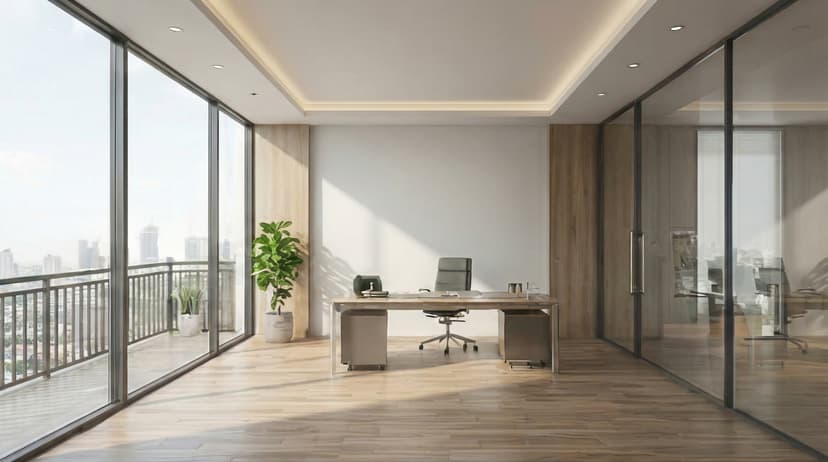
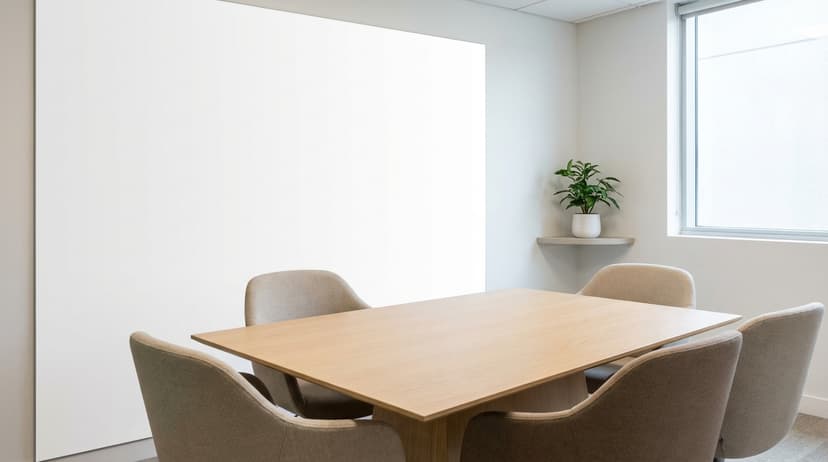
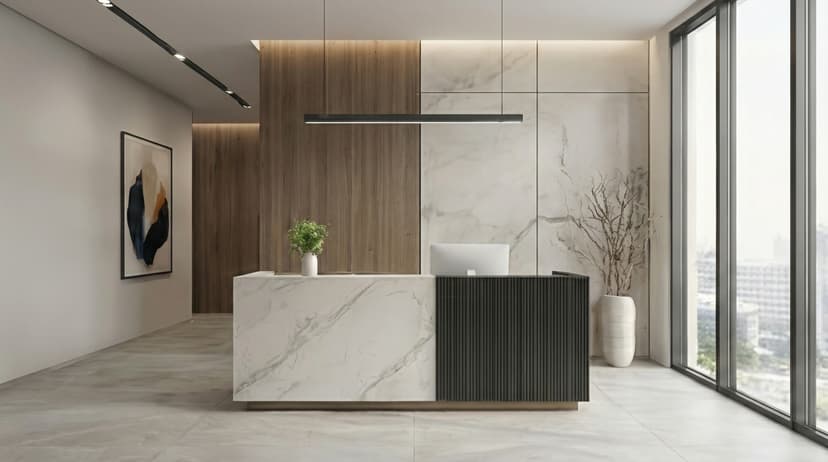

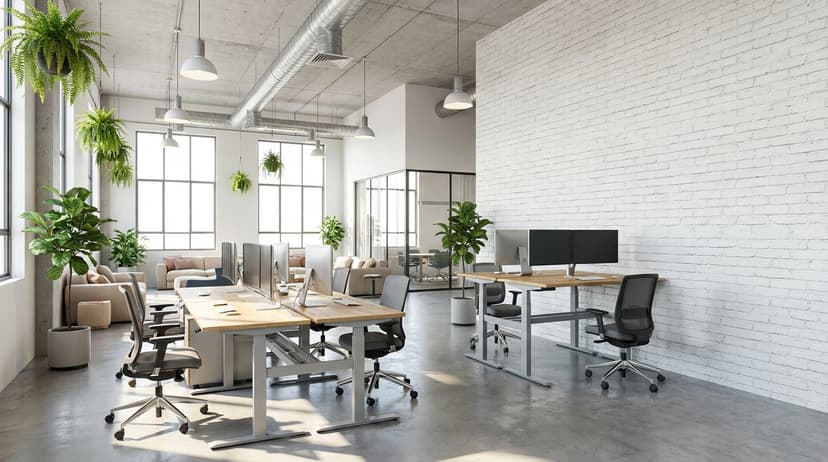
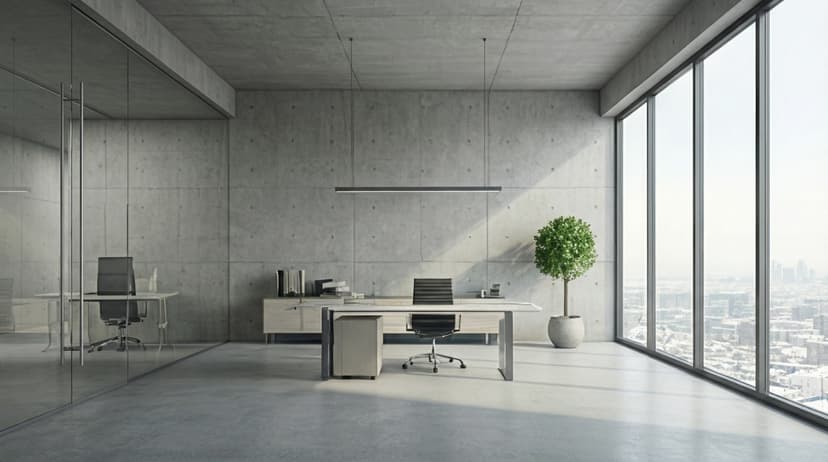
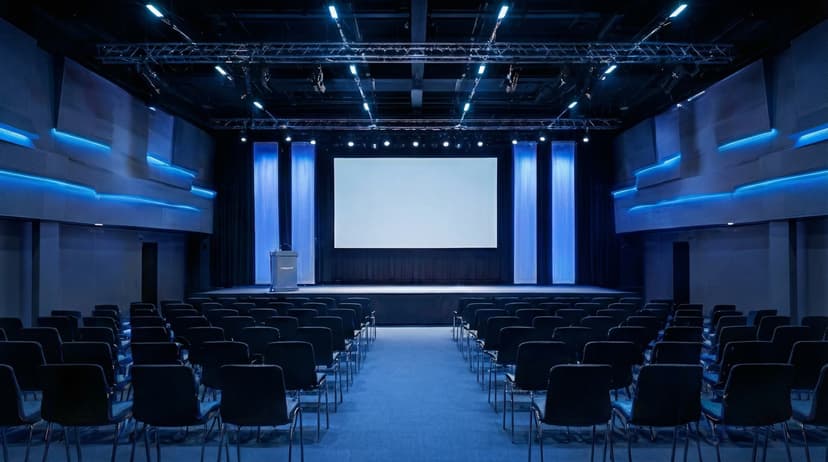
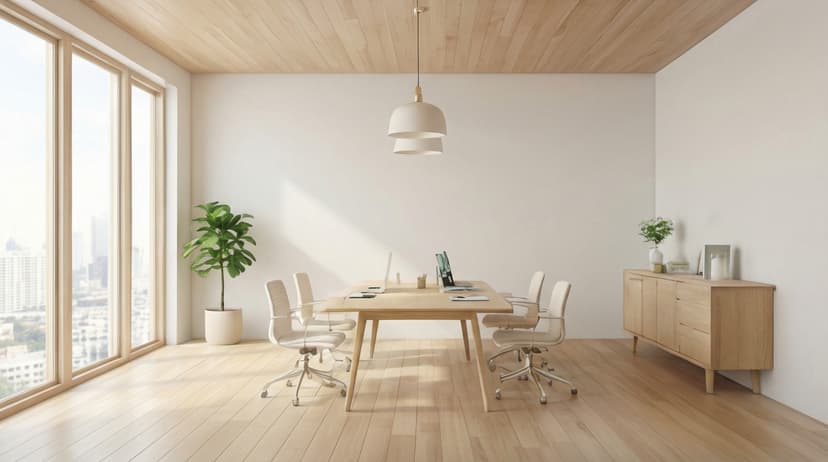
Plus 100+ more backgrounds to choose from
Frequently Asked Questions
Can I use branded backgrounds on Microsoft Teams?
Yes! Branded BG backgrounds work perfectly with Microsoft Teams. Simply download your branded background and set it as your virtual background in Microsoft Teams's settings.
What size should Microsoft Teams backgrounds be?
For the best results on Microsoft Teams, we recommend 1920x1080 resolution. All Branded BG backgrounds are optimized at this size for crisp, professional display.
How do I set a custom background in Microsoft Teams?
After downloading your branded background from Branded BG, open Microsoft Teams's video settings, navigate to the virtual background section, and upload your image. It takes less than a minute.
Does Branded BG work with Microsoft Teams?
Absolutely. Branded BG creates high-quality virtual backgrounds that are fully compatible with Microsoft Teams and every other major video conferencing platform.
What if I'm not happy with the result?
If a generation doesn't meet your expectations, simply email info@brandedbg.com with your request. After a manual review, we'll provide a full refund or create a custom generation that satisfies your needs.
Ready to elevate your Microsoft Teams presence?
Create your first branded background in under 30 seconds.
Get Started Free