
Whether you're hiring or being hired, first impressions start before you speak
Job interviews are high-stakes moments where every detail matters. A branded background helps recruiters showcase their employer brand and helps candidates demonstrate professionalism and preparation.
Create Your Interview BackgroundWhy use Branded BG for Job Interviews
Recruiters project employer brand to candidates
When a recruiter joins an interview with a branded company background, candidates immediately see a professional, well-organized employer. This sets the tone for the entire interview and helps attract top talent who value companies that sweat the details.
Candidates show attention to detail
For job seekers, a clean professional background demonstrates the kind of preparation and intentionality that hiring managers want to see. It shows you take the opportunity seriously and understand the importance of presenting yourself well in a professional context.
Eliminate distractions from home environment
Interviews are nerve-wracking enough without worrying about what is visible behind you. A virtual background removes that concern entirely, allowing both interviewers and candidates to focus on the conversation rather than the surroundings.
Set a professional tone instantly
The moment the video connects, the background establishes the atmosphere. A polished background communicates that this is a professional interaction and sets expectations for the quality of conversation that follows. Both sides benefit from starting on this note.
How to set up on Job Interviews
Get your branded background running on Job Interviews in just a few simple steps.
Create your branded background
For recruiters: upload your company logo and choose a professional scene that reflects your brand. For candidates: select a clean, polished office scene that looks natural and professional.
Download your background
Download your polished 1920x1080 background. The high resolution ensures your background looks sharp on any screen, even on larger monitors where imperfections would be more noticeable.
Apply to your interview platform
Set your background in Zoom, Teams, or Meet before the interview begins. Test your camera, lighting, and framing with the background active so there are no surprises when the interview starts.
Popular backgrounds for Job Interviews
Choose from our curated collection of professional backgrounds, then add your logo with scene-aware integration.
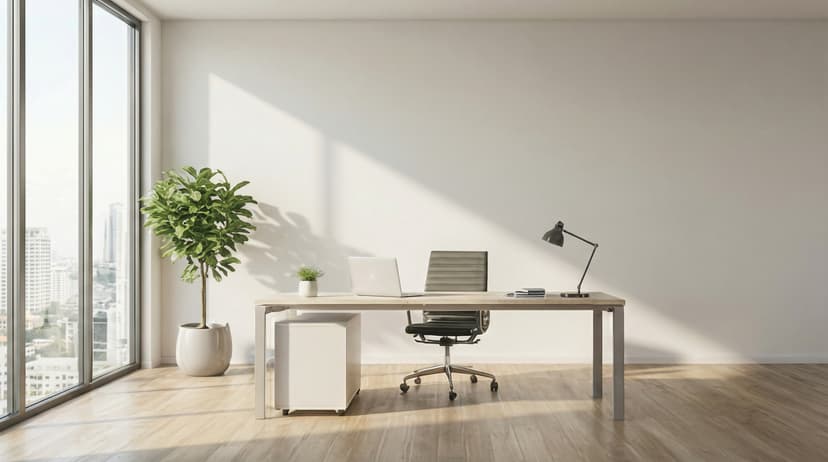
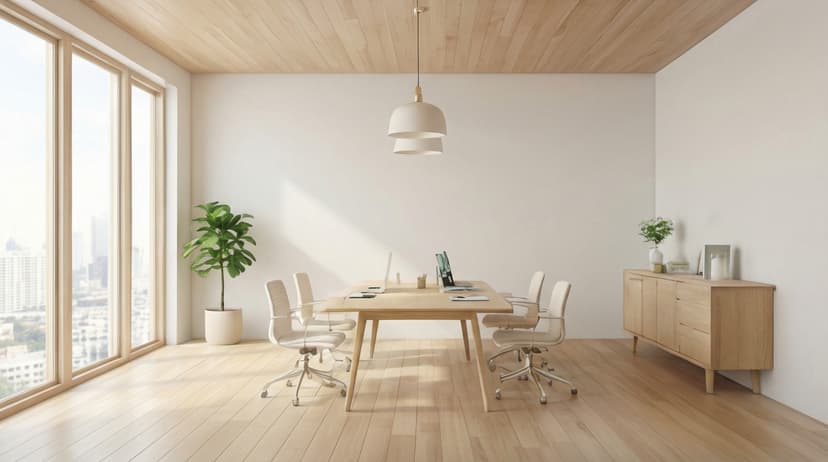
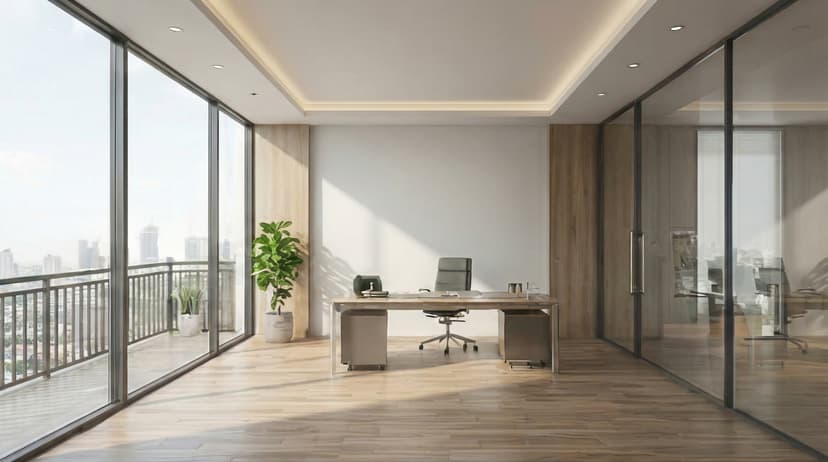
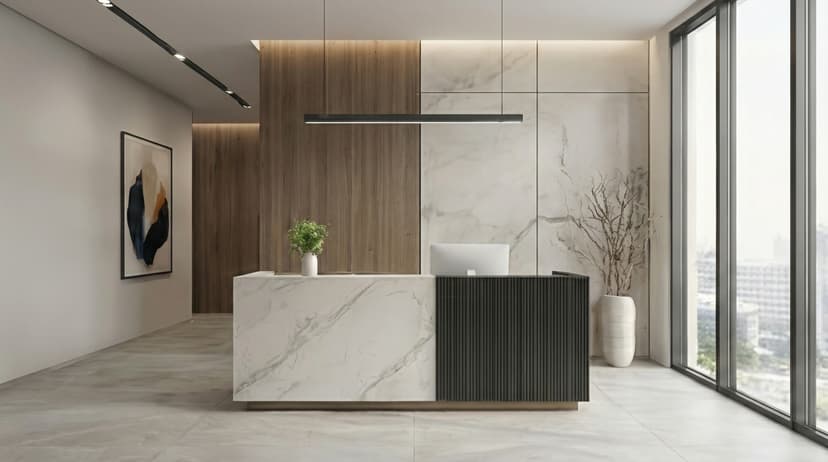
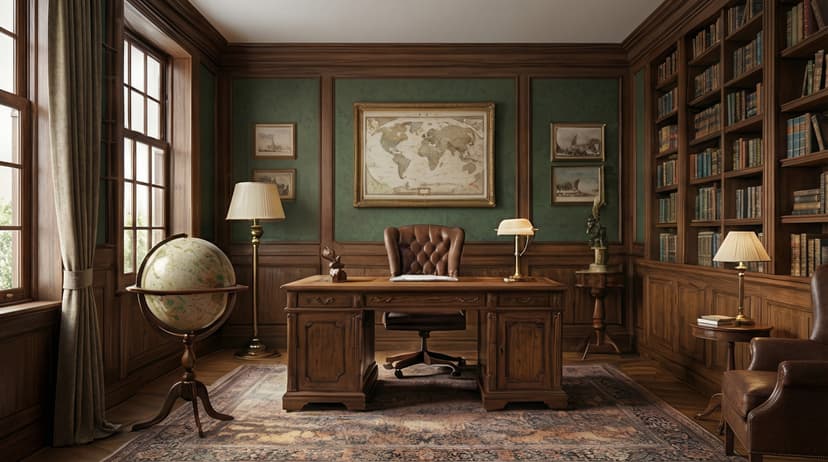
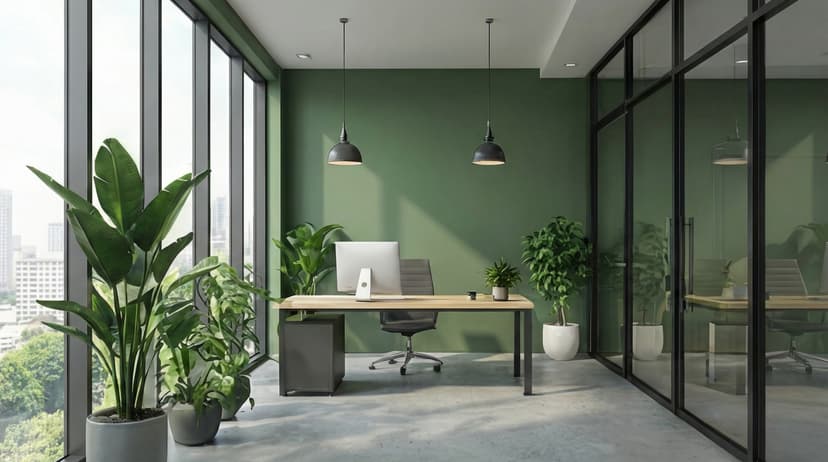
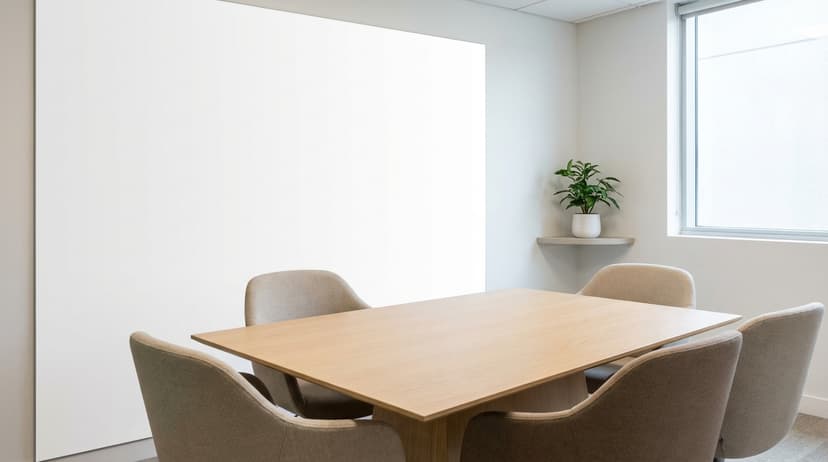
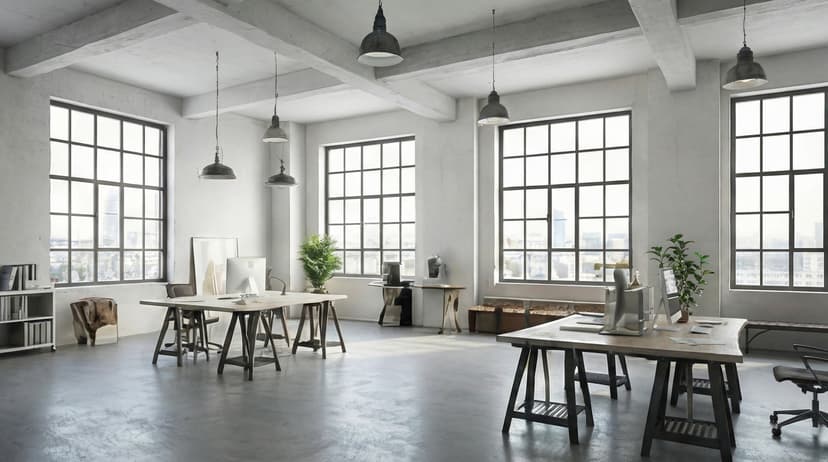
Plus 100+ more backgrounds to choose from
Frequently Asked Questions
Can I use branded backgrounds on Job Interviews?
Yes! Branded BG backgrounds work perfectly with Job Interviews. Simply download your branded background and set it as your virtual background in Job Interviews's settings.
What size should Job Interviews backgrounds be?
For the best results on Job Interviews, we recommend 1920x1080 resolution. All Branded BG backgrounds are optimized at this size for crisp, professional display.
How do I set a custom background in Job Interviews?
After downloading your branded background from Branded BG, open Job Interviews's video settings, navigate to the virtual background section, and upload your image. It takes less than a minute.
Does Branded BG work with Job Interviews?
Absolutely. Branded BG creates high-quality virtual backgrounds that are fully compatible with Job Interviews and every other major video conferencing platform.
What if I'm not happy with the result?
If a generation doesn't meet your expectations, simply email info@brandedbg.com with your request. After a manual review, we'll provide a full refund or create a custom generation that satisfies your needs.
Ready to elevate your Job Interviews presence?
Create your first branded background in under 30 seconds.
Get Started Free