
10 Tips for Looking Professional on Video Calls
Master the art of video conferencing with these expert tips for lighting, framing, audio, and background setup that will make you look polished and professional.
Video calls have become the default way we meet with clients, collaborate with colleagues, and build professional relationships. Yet many people still show up to calls looking unprepared—with bad lighting, distracting backgrounds, or unflattering camera angles.
Here are 10 actionable tips to help you look polished and professional on every video call.
1. Position Your Camera at Eye Level
Looking down at a laptop camera creates an unflattering angle and makes you appear less engaged. Stack your laptop on books or invest in a laptop stand to bring the camera to eye level.
Pro tip: Your eyes should be roughly in the upper third of the frame, following photography's rule of thirds.
2. Face Your Light Source
The biggest mistake people make is sitting with a window behind them, which turns them into a silhouette. Instead, face the window or place a lamp in front of you.
Natural light from a window in front of you is the most flattering option. For consistent lighting regardless of time of day, consider a ring light or desk lamp with a diffuser.
3. Clean Up Your Background
A cluttered or messy background is distracting and unprofessional. You have three options:
- Tidy your space: Remove clutter and distracting items
- Use a virtual background: A clean, professional alternative
- Create a branded background: Add your company logo for a polished, on-brand look
Virtual backgrounds work best with a solid-colored wall behind you and good lighting. Branded backgrounds take it a step further by reinforcing your company's visual identity.
4. Test Your Audio Before Important Calls
Bad audio is worse than bad video. Test your microphone before important meetings and consider these upgrades:
- Use headphones with a built-in microphone
- Invest in a USB desktop microphone
- Find a quiet space without echo
5. Maintain Eye Contact by Looking at the Camera
When you look at the other person's video feed, you're actually looking away from them. Practice looking directly at your camera lens when speaking—this creates the appearance of eye contact.
It feels unnatural at first, but it dramatically improves how engaged and trustworthy you appear.
6. Dress Professionally (Yes, the Top Half Matters)
While working from home makes casual dress tempting, dress as you would for an in-person meeting. This puts you in a professional mindset and ensures you're ready if you need to stand up.
Avoid:
- Busy patterns that create visual noise on camera
- Bright white shirts that can blow out the exposure
- Colors that match your background
7. Check Your Framing
Poor framing is a common mistake. Ensure:
- Your head isn't cut off at the top
- There's not too much empty space above your head
- Your face and shoulders are clearly visible
- You're centered in the frame
8. Minimize Distractions
Before your call:
- Close unnecessary browser tabs and applications
- Turn off notifications on your computer and phone
- Let others in your home know you're on a call
- Use "Do Not Disturb" mode
Nothing says "unprepared" like a Slack notification popping up mid-presentation.
9. Use Good Posture
Sitting up straight projects confidence and keeps you more engaged. Slouching not only looks unprofessional but can also make you sound less authoritative.
Keep both feet on the floor and sit slightly forward—this naturally improves your posture and energy.
10. Create a Consistent, Branded Setup
The most professional video presence comes from consistency. When you always appear with the same professional setup—good lighting, clean background, quality audio—you build trust and recognition.
Branded virtual backgrounds are the easiest way to create this consistency across your team. Every meeting becomes a subtle branding opportunity.
Put It All Together
Looking professional on video calls isn't about expensive equipment—it's about attention to detail. Start with the basics: good lighting, eye-level camera, and a clean background. Then level up with branded backgrounds that reinforce your company's visual identity.
Ready to upgrade your video call presence? Create your first branded background in under 30 seconds.
Ready to elevate your video calls?
Create professional branded backgrounds that make every meeting a branding opportunity.
Related Articles
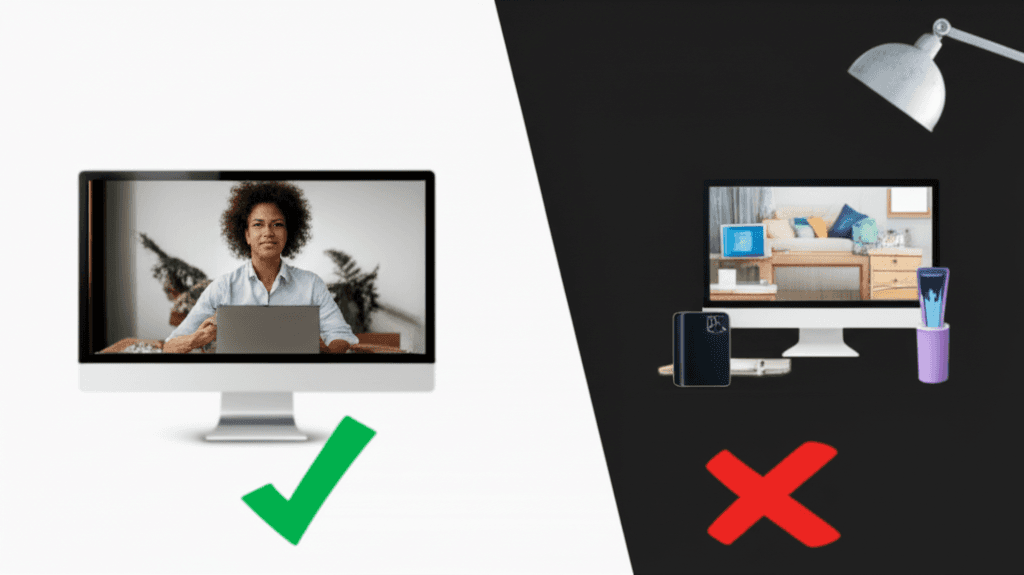
Virtual Background Dos and Don'ts: 12 Rules for Professional Video Calls
Master virtual background etiquette with these 12 essential dos and don'ts. Avoid common mistakes and look professional on every video call.
How to Set Up Virtual Backgrounds in Zoom: Complete 2026 Guide
Step-by-step guide to setting up virtual backgrounds in Zoom, including system requirements, best practices, and troubleshooting tips for professional video calls.
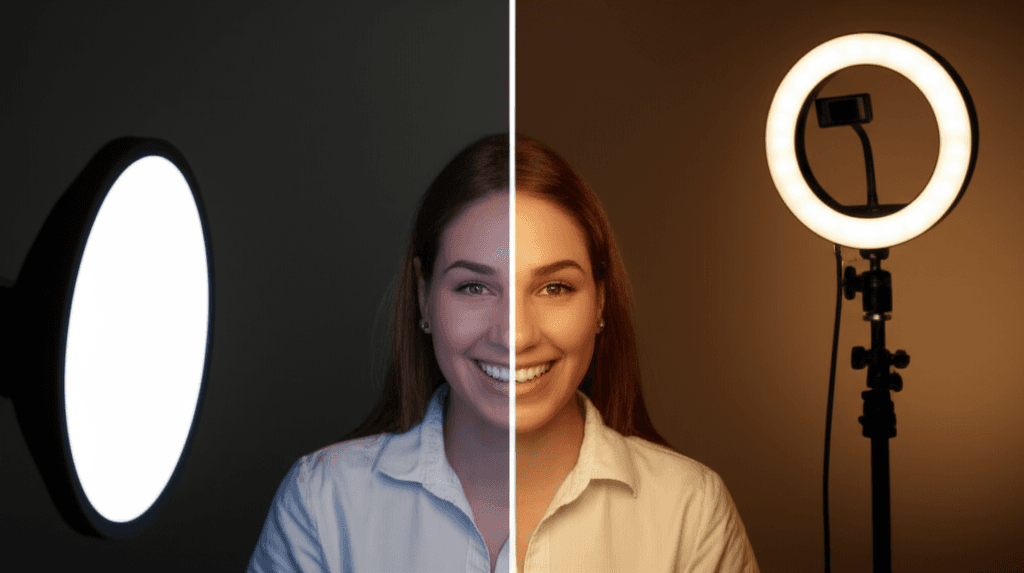
Virtual Background Lighting: Pro Tips for Perfect Video Calls
Master the art of lighting for virtual backgrounds. Learn professional techniques for ring lights, natural light, and optimal camera placement to look your best on video calls.