
Welcome new hires into a branded experience from day one
The onboarding experience sets the tone for an employee's entire tenure. Branded virtual backgrounds make new hires feel like part of the team immediately, while giving onboarding leaders a polished, professional presence.
Create Your Onboarding BackgroundWhy use Branded BG for Employee Onboarding
Build belonging from the first day
When a new hire joins their first onboarding session and sees every facilitator with a consistent branded background, it sends a powerful message: this company is organized, professional, and invested in their people. Providing new hires with their own branded background accelerates that sense of belonging.
Consistent onboarding experience at scale
Whether you are onboarding five people or fifty, branded backgrounds ensure every cohort has the same polished, professional experience. This consistency builds a strong first impression of your company culture, regardless of which facilitator is leading the session or where they are located.
Reinforce employer brand early
New employees are still forming their opinion of your company during onboarding. A branded background subtly reinforces that they made the right choice by joining an organization that cares about its image, culture, and the details that make a workplace feel intentional and well-run.
Easy distribution to new hires
Include your branded background in the onboarding welcome packet alongside other first-day materials. New hires can set it up before their first meeting, ensuring they look and feel like part of the team from the very first video call they join.
How to set up on Employee Onboarding
Get your branded background running on Employee Onboarding in just a few simple steps.
Create your onboarding background
Choose a welcoming professional scene and upload your company logo. Consider creating a special "Welcome to [Company]" version specifically for onboarding cohorts.
Add to your onboarding materials
Download your 1920x1080 branded background and include it in your onboarding welcome packet, Notion workspace, or Slack channel. Add brief setup instructions for Zoom, Teams, and Meet.
Set up before the first session
Have new hires apply the branded background before their first onboarding session. Facilitators should use the same background to model the expected standard and create immediate visual consistency.
Popular backgrounds for Employee Onboarding
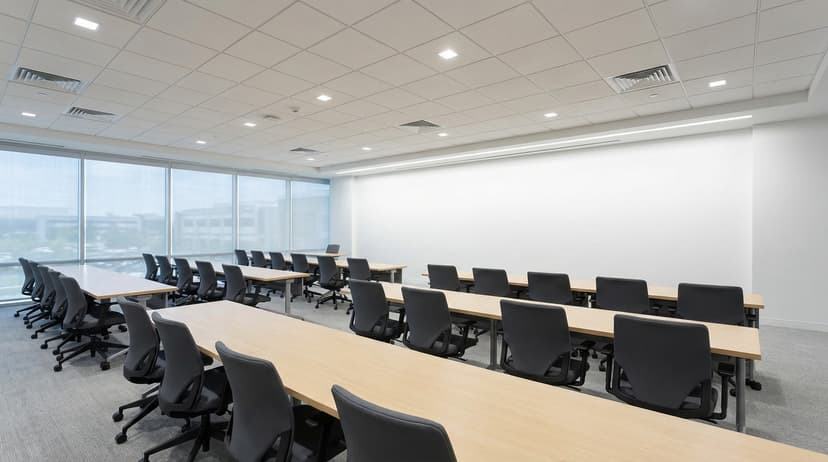
Choose from our curated collection of professional backgrounds, then add your logo with scene-aware integration.



Plus 100+ more backgrounds to choose from
Frequently Asked Questions
Can I use branded backgrounds on Employee Onboarding?
Yes! Branded BG backgrounds work perfectly with Employee Onboarding. Simply download your branded background and set it as your virtual background in Employee Onboarding's settings.
What size should Employee Onboarding backgrounds be?
For the best results on Employee Onboarding, we recommend 1920x1080 resolution. All Branded BG backgrounds are optimized at this size for crisp, professional display.
How do I set a custom background in Employee Onboarding?
After downloading your branded background from Branded BG, open Employee Onboarding's video settings, navigate to the virtual background section, and upload your image. It takes less than a minute.
Does Branded BG work with Employee Onboarding?
Absolutely. Branded BG creates high-quality virtual backgrounds that are fully compatible with Employee Onboarding and every other major video conferencing platform.
What if I'm not happy with the result?
If a generation doesn't meet your expectations, simply email info@brandedbg.com with your request. After a manual review, we'll provide a full refund or create a custom generation that satisfies your needs.
Ready to elevate your Employee Onboarding presence?
Create your first branded background in under 30 seconds.
Get Started Free