
The Branded BG Blog
Tips, best practices, and insights for looking professional on every video call.

Why Enterprise Teams Need Branded Virtual Backgrounds
Discover why organizations with 50+ employees are adopting branded virtual backgrounds to maintain consistency, strengthen their brand, and project professionalism.
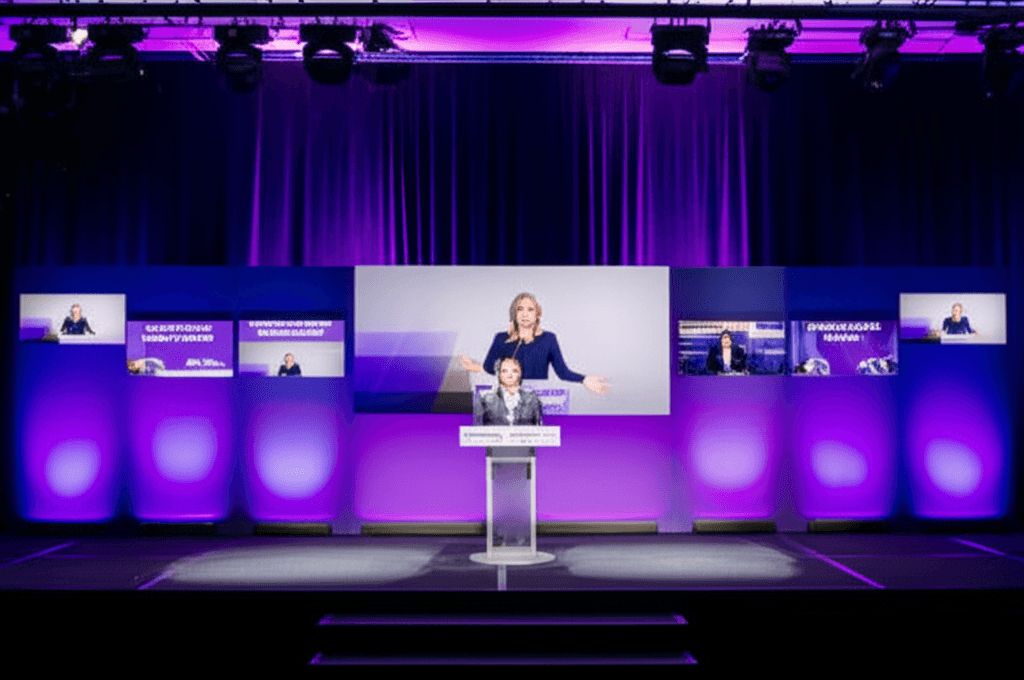
How to Create Branded Backgrounds for Webinars: A Complete Guide
Learn how to create and use branded virtual backgrounds for webinars. Cover speaker consistency, event branding, and professional presentation across all webinar platforms.

The Psychology Behind Why Branded Backgrounds Build Trust on Video Calls
Explore the psychology of first impressions, visual cues, and the halo effect to understand why branded backgrounds build trust and credibility on video calls.

How to Ensure Brand Consistency Across Your Remote Team's Video Calls
A practical guide for managers and brand owners to roll out consistent branded virtual backgrounds across their team. Covers guidelines, distribution, and adoption strategies.
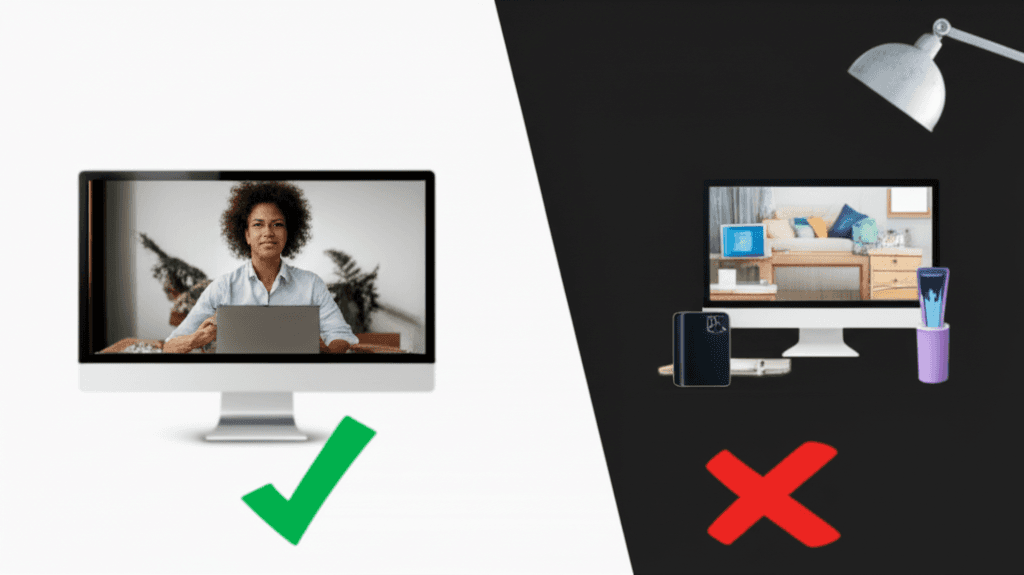
Virtual Background Dos and Don'ts: 12 Rules for Professional Video Calls
Master virtual background etiquette with these 12 essential dos and don'ts. Avoid common mistakes and look professional on every video call.
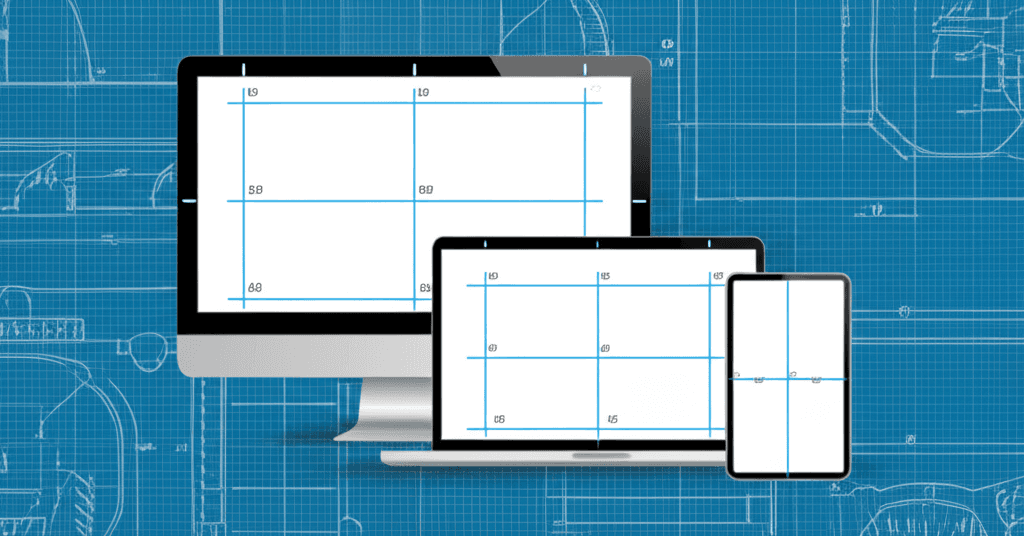
Virtual Background Size Guide: Dimensions for Every Platform
The complete guide to virtual background dimensions for Zoom, Teams, Google Meet, and more. Learn the right resolution, aspect ratio, and file size for every platform.
Google Meet Backgrounds: Complete Setup Guide for 2026
Master Google Meet's visual effects feature with this complete guide to virtual backgrounds, blur effects, and professional video call presentation.
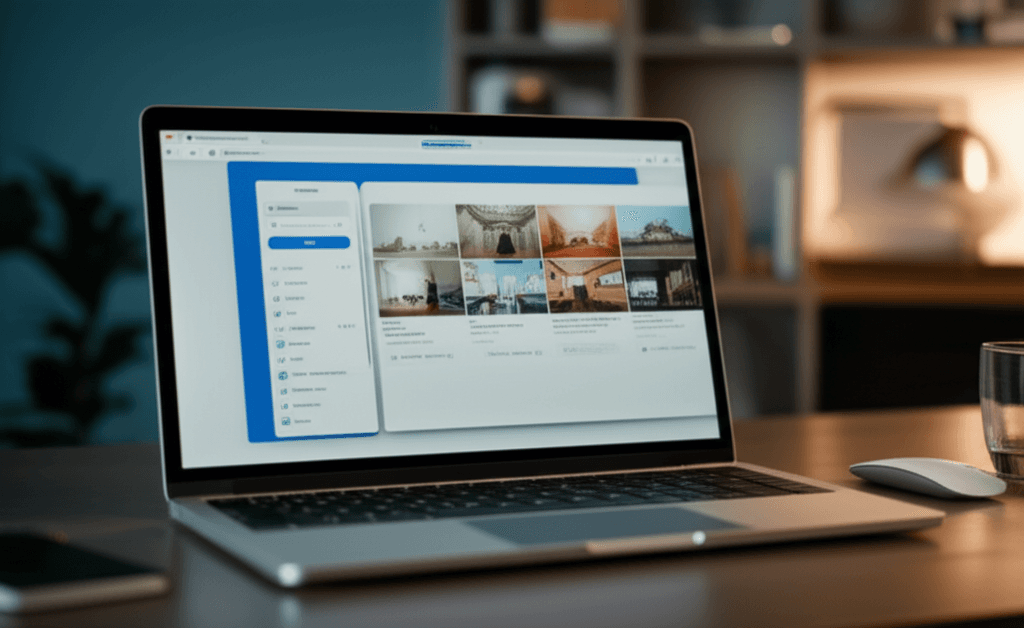
How to Set Up Virtual Backgrounds in Zoom: Complete 2026 Guide
Step-by-step guide to setting up virtual backgrounds in Zoom, including system requirements, best practices, and troubleshooting tips for professional video calls.
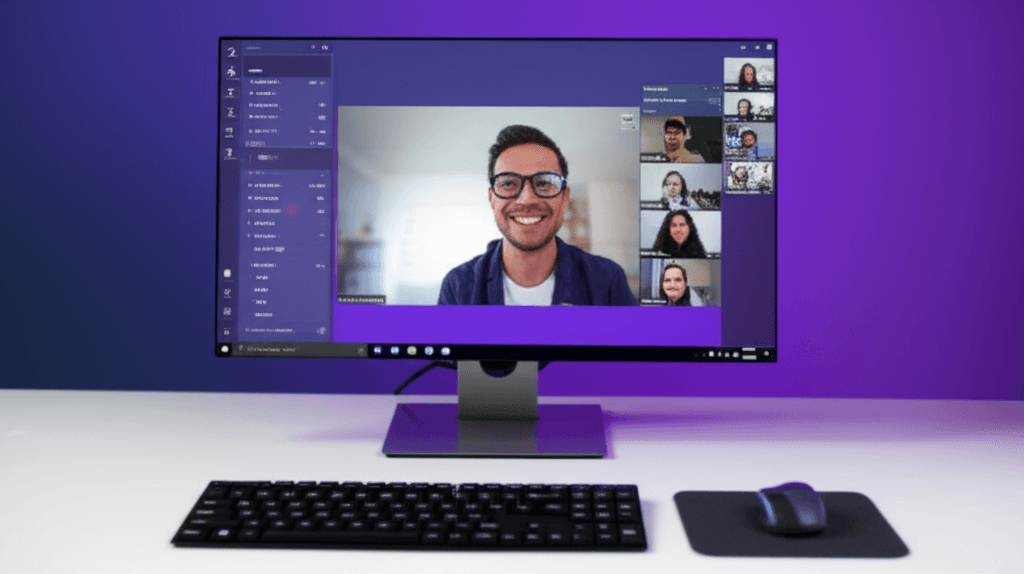
Microsoft Teams Virtual Background: Setup Guide for 2026
Learn how to set up and customize virtual backgrounds in Microsoft Teams, including best practices for professional video meetings and troubleshooting tips.