
Stand out on the virtual stage
Virtual conferences are crowded with speakers and sponsors competing for attention. A branded background ensures your name and logo are visible throughout every session, panel, and networking call -- turning passive screen time into active brand building.
Create Your Conference BackgroundWhy use Branded BG for Virtual Conferences
Continuous brand visibility as a speaker
When you speak at a virtual conference, your background is visible to every attendee for the entire session. A branded background provides uninterrupted brand exposure that reinforces your company name and logo far more effectively than a fleeting mention on a sponsor slide.
Professional presence on panels and fireside chats
Multi-speaker formats mean your video tile appears alongside other panelists. A branded background ensures your tile stands out and immediately communicates who you represent, even in a grid of six or more speakers where name labels may be too small to read.
Networking calls that leave an impression
Virtual conferences often include breakout rooms and networking sessions. A branded background makes you memorable in these brief interactions, giving other attendees a visual anchor that helps them recall your name and company when following up after the event.
Sponsor and exhibitor brand reinforcement
If your company is sponsoring or exhibiting at a virtual event, branded backgrounds for your entire team multiply your visibility. Every meeting, demo, and booth conversation becomes a branding touchpoint, maximizing the return on your event investment.
How to set up on Virtual Conferences
Get your branded background running on Virtual Conferences in just a few simple steps.
Create your event background
Choose a professional scene and upload your logo or event-specific branding. Consider creating backgrounds tailored to the conference theme or including your session title for extra context.
Download your background
Get your 1920x1080 branded background ready for any virtual event platform. The file works with Zoom Events, Hopin, Webex Events, Microsoft Teams Live Events, and other major platforms.
Apply before your session
Set your branded background in your video platform before the event begins. Run a quick test to verify your framing and logo placement look sharp in the video tile size typical of multi-speaker layouts.
Popular backgrounds for Virtual Conferences
Choose from our curated collection of professional backgrounds, then add your logo with scene-aware integration.
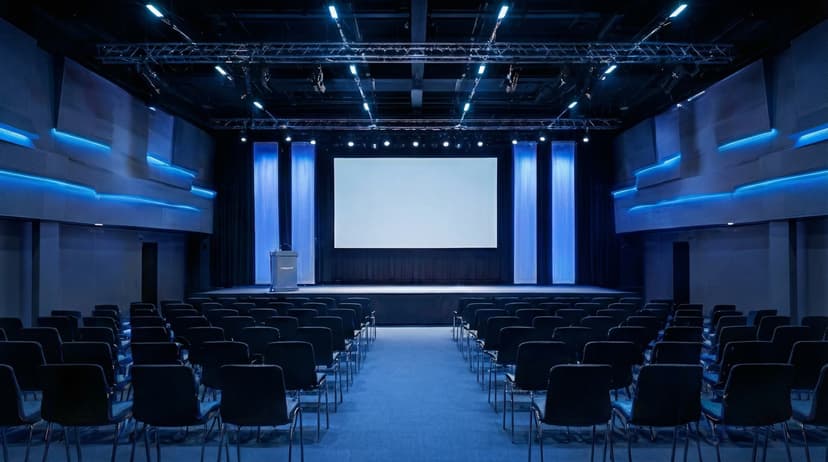



Plus 100+ more backgrounds to choose from
Frequently Asked Questions
Can I use branded backgrounds on Virtual Conferences?
Yes! Branded BG backgrounds work perfectly with Virtual Conferences. Simply download your branded background and set it as your virtual background in Virtual Conferences's settings.
What size should Virtual Conferences backgrounds be?
For the best results on Virtual Conferences, we recommend 1920x1080 resolution. All Branded BG backgrounds are optimized at this size for crisp, professional display.
How do I set a custom background in Virtual Conferences?
After downloading your branded background from Branded BG, open Virtual Conferences's video settings, navigate to the virtual background section, and upload your image. It takes less than a minute.
Does Branded BG work with Virtual Conferences?
Absolutely. Branded BG creates high-quality virtual backgrounds that are fully compatible with Virtual Conferences and every other major video conferencing platform.
What if I'm not happy with the result?
If a generation doesn't meet your expectations, simply email info@brandedbg.com with your request. After a manual review, we'll provide a full refund or create a custom generation that satisfies your needs.
Ready to elevate your Virtual Conferences presence?
Create your first branded background in under 30 seconds.
Get Started Free