
Set the stage for focused, effective learning
Training sessions demand attention and credibility. A branded background gives facilitators a professional presence that commands focus while reinforcing your organization's commitment to professional development.
Create Your Training BackgroundWhy use Branded BG for Training Sessions
Establish trainer authority and credibility
Learners engage more deeply with trainers who project professionalism. A branded background signals that this is an official, well-prepared training session -- not an improvised video call. It creates a psychological frame that encourages participants to take the content seriously and stay focused.
Minimize visual distractions for learners
Training sessions require sustained attention. A clean, branded background removes the visual noise of home offices and distracting environments, helping participants stay focused on the content being delivered rather than wondering about the trainer's bookshelf or cat.
Consistent experience across multiple trainers
When your training program involves multiple facilitators, branded backgrounds ensure every session has the same professional look and feel. Learners experience consistency regardless of which trainer is leading, reinforcing that this is an organized, company-endorsed program.
Reinforce organizational learning culture
Branded backgrounds at training sessions communicate that your organization invests in professional development. This visual commitment to quality extends beyond the content itself, signaling to employees that learning and growth are valued parts of your company culture.
How to set up on Training Sessions
Get your branded background running on Training Sessions in just a few simple steps.
Create your training background
Choose a professional scene and upload your company or training program logo. For recurring programs, create branded backgrounds that include the program name for instant recognition.
Share with all facilitators
Download your 1920x1080 branded background and distribute it to all trainers and facilitators. Ensure everyone applies the same background for a consistent learner experience across all sessions.
Apply before each session
Set your branded background before the training begins and test your framing with any screen sharing or presentation materials you will use. Ensure your logo remains visible when switching between speaker and content views.
Popular backgrounds for Training Sessions
Choose from our curated collection of professional backgrounds, then add your logo with scene-aware integration.



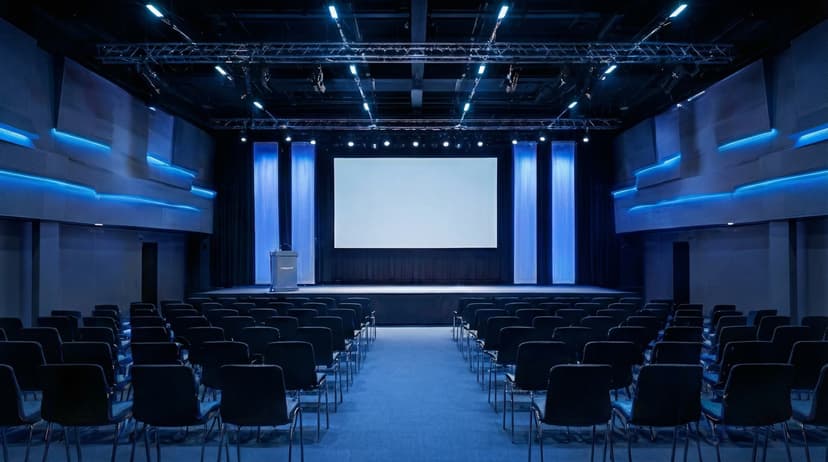
Plus 100+ more backgrounds to choose from
Frequently Asked Questions
Can I use branded backgrounds on Training Sessions?
Yes! Branded BG backgrounds work perfectly with Training Sessions. Simply download your branded background and set it as your virtual background in Training Sessions's settings.
What size should Training Sessions backgrounds be?
For the best results on Training Sessions, we recommend 1920x1080 resolution. All Branded BG backgrounds are optimized at this size for crisp, professional display.
How do I set a custom background in Training Sessions?
After downloading your branded background from Branded BG, open Training Sessions's video settings, navigate to the virtual background section, and upload your image. It takes less than a minute.
Does Branded BG work with Training Sessions?
Absolutely. Branded BG creates high-quality virtual backgrounds that are fully compatible with Training Sessions and every other major video conferencing platform.
What if I'm not happy with the result?
If a generation doesn't meet your expectations, simply email info@brandedbg.com with your request. After a manual review, we'll provide a full refund or create a custom generation that satisfies your needs.
Ready to elevate your Training Sessions presence?
Create your first branded background in under 30 seconds.
Get Started Free