
Every client touchpoint is a branding opportunity. Don't waste the ones on camera.
Client calls are where deals are won and relationships are built. A branded background ensures you look professional, credible, and intentional every time you show up on screen.
Create Your Client Call BackgroundWhy use Branded BG for Client Meetings
Build trust from the first interaction
Research shows that first impressions form in seconds, and your video background is part of that impression. A branded background signals that you are organized, established, and invested in professionalism -- exactly the qualities clients look for when choosing who to work with.
Reinforce brand recognition throughout the sales cycle
Over multiple client calls, your branded background creates repeated visual exposure to your brand. This subtle repetition builds familiarity and recall, so when the client is making a decision, your brand is top of mind and feels trustworthy.
Differentiate from competitors
Most professionals still use generic or no backgrounds on client calls. A clean, branded background immediately sets you apart from competitors who have not made the same investment in their visual presence. It is a small detail that makes a big difference.
Maintain professionalism from anywhere
Whether you are working from home, a co-working space, or a hotel room during travel, your branded background ensures every client sees the same polished, professional image. Your physical location becomes irrelevant to the impression you make.
How to set up on Client Meetings
Get your branded background running on Client Meetings in just a few simple steps.
Create your branded background
Choose a professional scene that matches your client-facing image. Executive offices and clean modern spaces work best for client calls, as they project competence without distraction.
Download your background
Get your background ready for any video platform. Your branded background works on Zoom, Teams, Meet, Webex, and every other major conferencing tool at 1920x1080 resolution.
Apply to your video platform
Set your branded background as your default in your video platform of choice. This way every client call automatically uses your branded presence without needing to remember to set it before each meeting.
Popular backgrounds for Client Meetings
Choose from our curated collection of professional backgrounds, then add your logo with scene-aware integration.
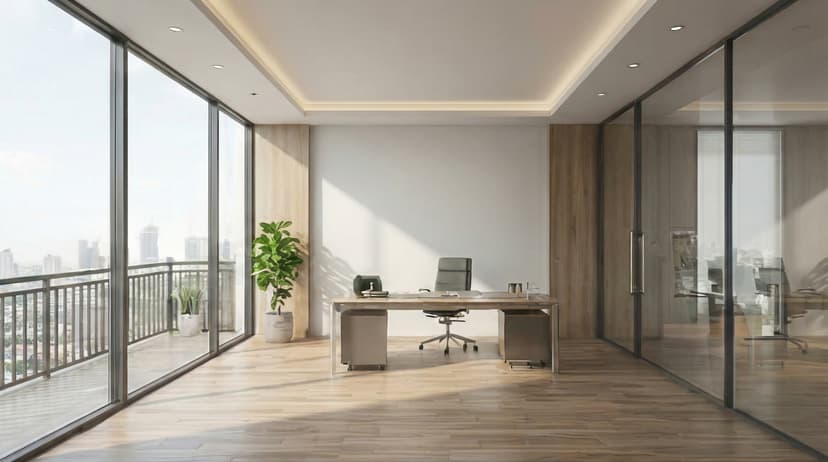
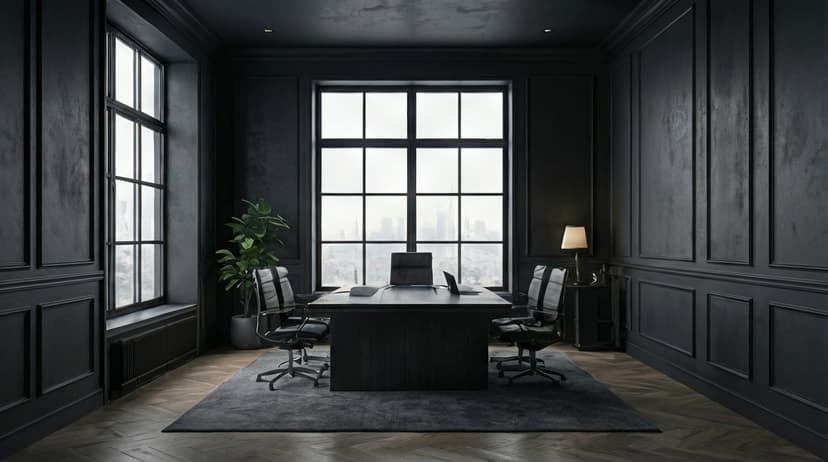
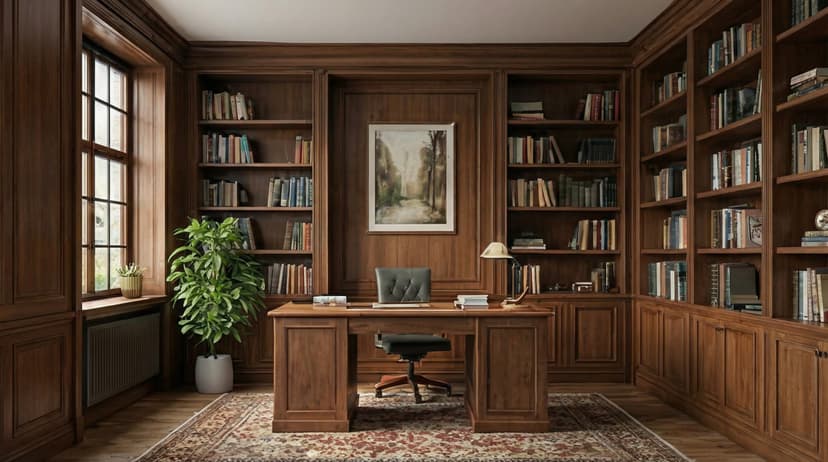

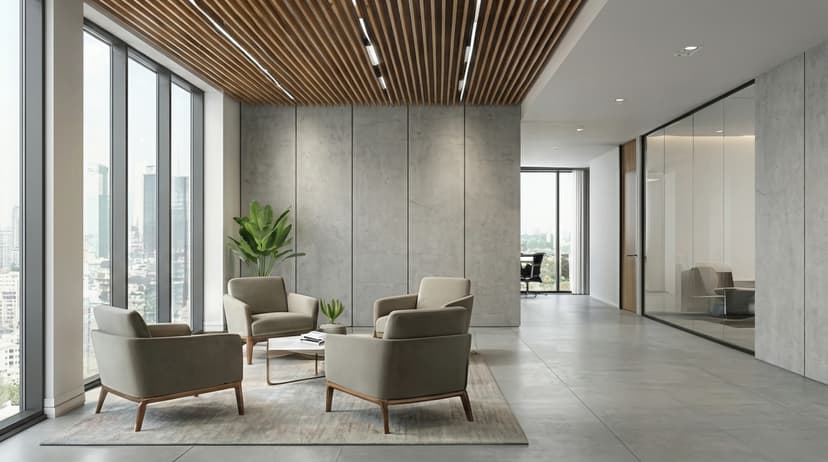

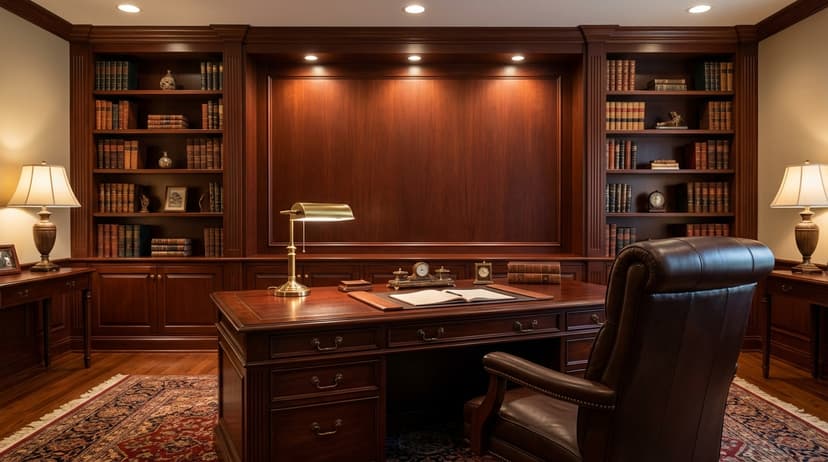

Plus 100+ more backgrounds to choose from
Frequently Asked Questions
Can I use branded backgrounds on Client Meetings?
Yes! Branded BG backgrounds work perfectly with Client Meetings. Simply download your branded background and set it as your virtual background in Client Meetings's settings.
What size should Client Meetings backgrounds be?
For the best results on Client Meetings, we recommend 1920x1080 resolution. All Branded BG backgrounds are optimized at this size for crisp, professional display.
How do I set a custom background in Client Meetings?
After downloading your branded background from Branded BG, open Client Meetings's video settings, navigate to the virtual background section, and upload your image. It takes less than a minute.
Does Branded BG work with Client Meetings?
Absolutely. Branded BG creates high-quality virtual backgrounds that are fully compatible with Client Meetings and every other major video conferencing platform.
What if I'm not happy with the result?
If a generation doesn't meet your expectations, simply email info@brandedbg.com with your request. After a manual review, we'll provide a full refund or create a custom generation that satisfies your needs.
Ready to elevate your Client Meetings presence?
Create your first branded background in under 30 seconds.
Get Started Free