
Google Meet keeps it simple. Your branding should too.
Create a clean, professional branded background that works natively with Google Meet. No browser extensions, no plugins -- just upload and present your best image on every call.
Create Your Meet BackgroundWhy use Branded BG for Google Meet
Works with Google Workspace
If your organization runs on Google Workspace, branded backgrounds in Google Meet are a natural fit. Your team already lives in Gmail, Docs, and Calendar -- now their video presence can match the same professional standard across the entire Google ecosystem.
No extension required
Unlike some platforms that need third-party plugins for custom backgrounds, Google Meet supports virtual backgrounds natively in the browser and desktop app. Just upload your branded image directly through Meet's visual effects panel and you are ready to go.
Ideal for quick ad-hoc meetings
Google Meet excels at fast, frictionless meetings. Click a link, join in seconds, and your branded background is already there. Whether it is a quick check-in or an impromptu client call, you always look polished without any extra setup.
Supports all Google Meet plans
Virtual backgrounds work on Google Meet's free tier as well as Google Workspace Individual, Business, and Enterprise plans. Every team member can use branded backgrounds regardless of their subscription level, making rollout simple and cost-effective.
How to set up on Google Meet
Get your branded background running on Google Meet in just a few simple steps.
Create your branded background
Choose from 100+ professional scenes, upload your logo, and generate your branded background in under 30 seconds. Scene-aware logo placement ensures a natural, polished look.
Download your background
Download your 1920x1080 JPEG branded background ready for Google Meet. The file is optimized for Meet's visual effects engine for sharp, clean rendering.
Apply in Google Meet
Click the three-dot menu in the bottom toolbar > Apply visual effects > Upload a background image and select your branded file. Your background is immediately applied and ready for the meeting.
Popular backgrounds for Google Meet
Choose from our curated collection of professional backgrounds, then add your logo with scene-aware integration.
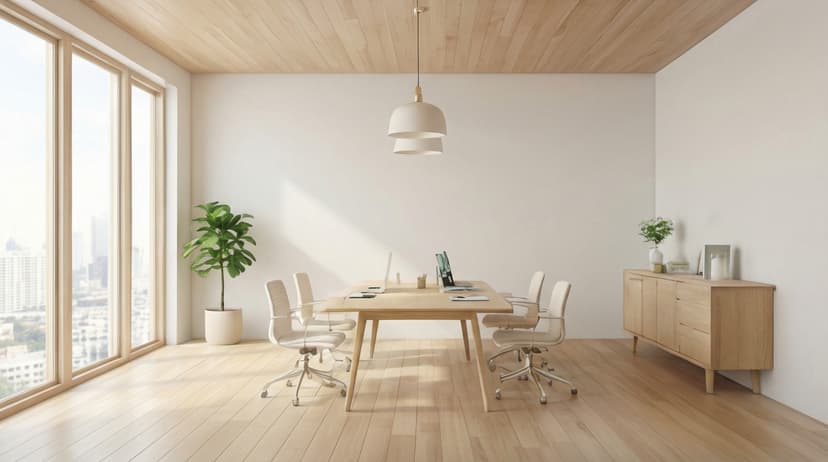
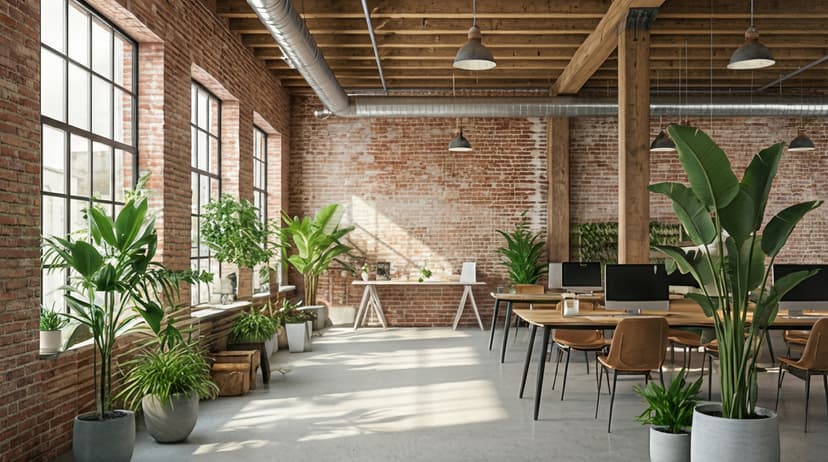

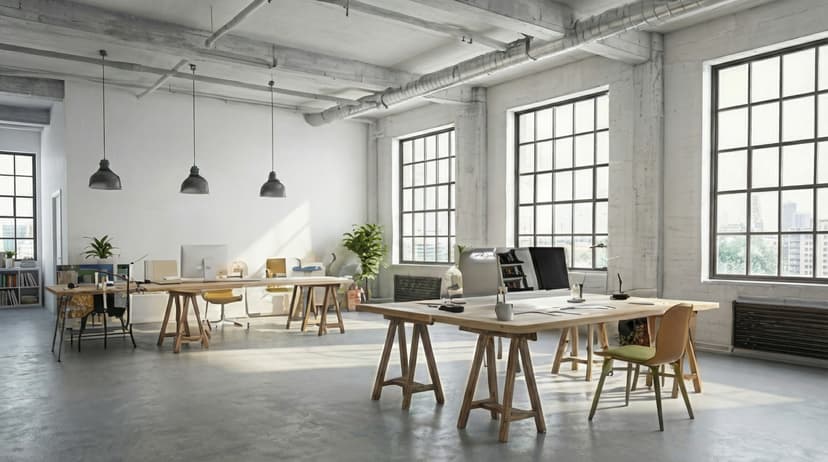
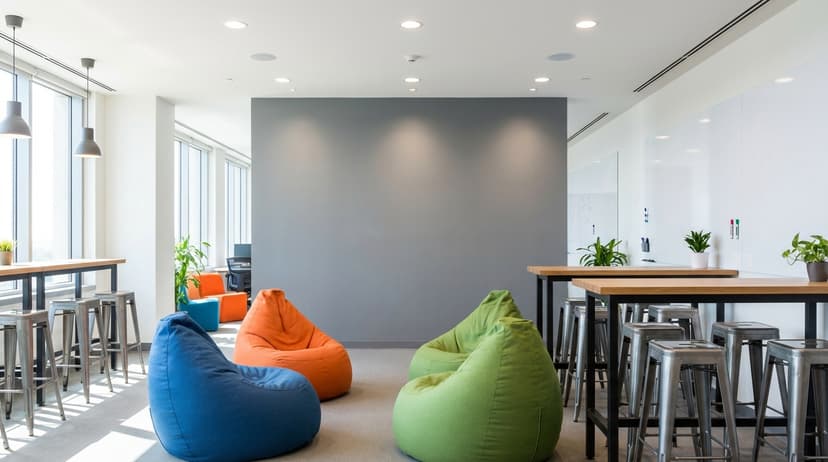
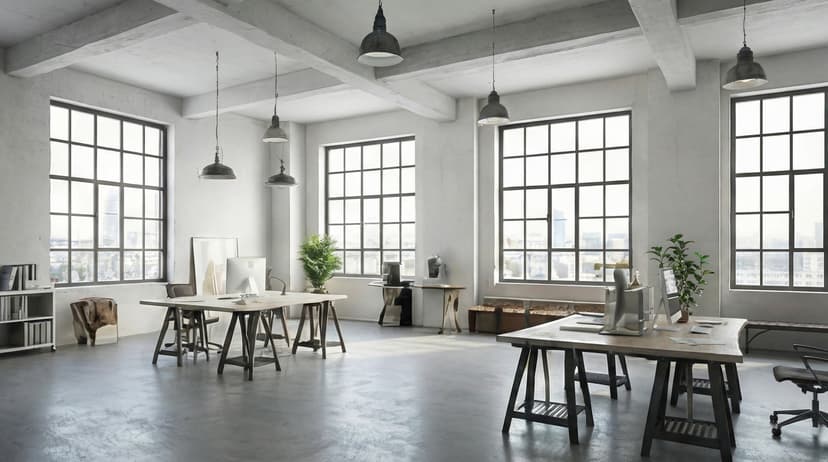
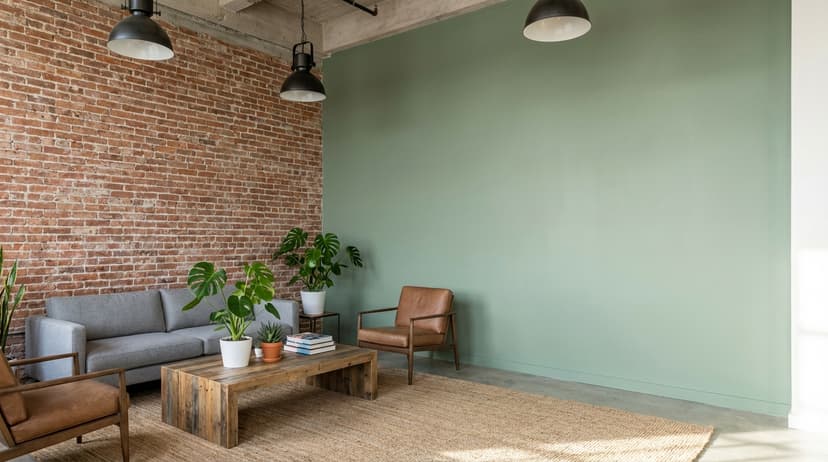
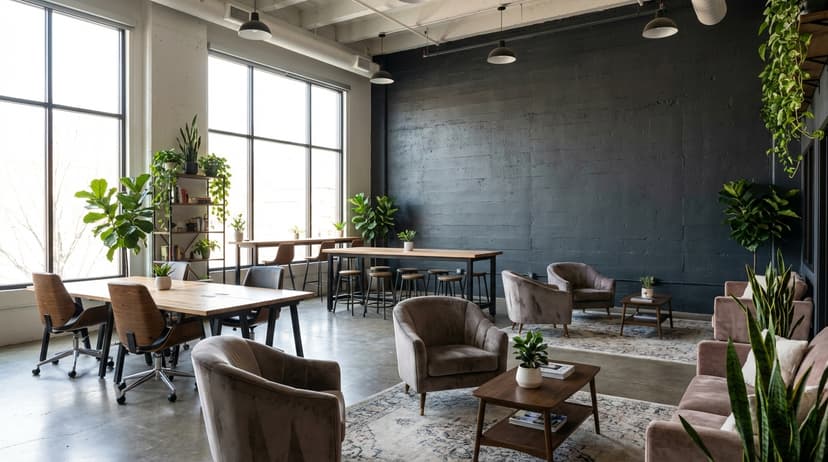
Plus 100+ more backgrounds to choose from
Frequently Asked Questions
Can I use branded backgrounds on Google Meet?
Yes! Branded BG backgrounds work perfectly with Google Meet. Simply download your branded background and set it as your virtual background in Google Meet's settings.
What size should Google Meet backgrounds be?
For the best results on Google Meet, we recommend 1920x1080 resolution. All Branded BG backgrounds are optimized at this size for crisp, professional display.
How do I set a custom background in Google Meet?
After downloading your branded background from Branded BG, open Google Meet's video settings, navigate to the virtual background section, and upload your image. It takes less than a minute.
Does Branded BG work with Google Meet?
Absolutely. Branded BG creates high-quality virtual backgrounds that are fully compatible with Google Meet and every other major video conferencing platform.
What if I'm not happy with the result?
If a generation doesn't meet your expectations, simply email info@brandedbg.com with your request. After a manual review, we'll provide a full refund or create a custom generation that satisfies your needs.
Ready to elevate your Google Meet presence?
Create your first branded background in under 30 seconds.
Get Started Free