
DIY vs Professional Virtual Backgrounds: What Actually Works
Compare DIY virtual background solutions with professional options. Learn when to build your own, when to invest in quality, and how to get the best results for your video calls.
Should you create your own virtual backgrounds or use a professional solution? This guide breaks down when DIY works, when it doesn't, and how to make the right choice for your situation.
The DIY Approach
What DIY Means
DIY virtual backgrounds include:
- Using platform built-in options (Zoom, Teams, Meet)
- Creating backgrounds in Canva or similar tools
- Using free stock images
- Photographing or curating your own images
DIY Pros
Cost:
- Free or very low cost
- No subscription required
- Unlimited experimentation
Control:
- Complete creative freedom
- Can match any aesthetic
- Iterate quickly
Learning:
- Develop design skills
- Understand what works through trial
- Full ownership of process
DIY Cons
Quality:
- Often looks amateur
- Inconsistent results
- Poor logo integration
Time:
- Hours to create something decent
- Multiple iterations needed
- Ongoing maintenance
Technical challenges:
- Wrong image sizes
- Color issues on different screens
- Compression artifacts
Design skill requirement:
- Logo placement is harder than it looks
- Professional aesthetics require training
- Easy to get wrong
The Professional Approach
What Professional Means
Professional virtual backgrounds include:
- Purpose-built tools like Branded BG
- Designer-created custom backgrounds
- Agency/freelancer services
- Premium stock with proper licensing
Professional Pros
Quality:
- Polished, professional results
- Proper sizing and optimization
- Consistent across platforms
Time efficiency:
- Minutes instead of hours
- No learning curve
- Instant results
Design expertise:
- Proper logo integration
- Color harmony
- Professional aesthetics built-in
Technical optimization:
- Correct dimensions for video
- Optimized for edge detection
- Tested across platforms
Professional Cons
Cost:
- Some investment required
- May need ongoing credits/subscription
- Per-background costs
Less control:
- Working within tool constraints
- Limited to available options
- Dependent on service
Side-by-Side Comparison
Scenario 1: Simple Office Background (No Branding)
DIY approach:
- Download free stock office image
- Upload to Zoom/Teams
- Time: 5 minutes
- Cost: Free
- Result: Acceptable
Professional approach:
- Use platform built-in backgrounds
- Time: 1 minute
- Cost: Free
- Result: Acceptable
Verdict: DIY is fine for simple, non-branded backgrounds. Built-in platform options work well.
Scenario 2: Branded Background with Logo
DIY approach:
- Find office background image
- Open Canva/Photoshop
- Place logo (guess at size, position)
- Adjust colors, add effects
- Export, test, iterate
- Time: 1-3 hours
- Cost: Free (with your time)
- Result: Often looks amateur—logo floating, wrong perspective, bad placement
Professional approach:
- Upload logo to Branded BG
- Select professional background
- AI places logo naturally
- Download optimized image
- Time: 30 seconds
- Cost: ~$5
- Result: Professional logo integration with correct perspective and placement
Verdict: Professional wins decisively. Logo placement is deceptively difficult and is where DIY typically fails.
Scenario 3: Team Backgrounds (10+ People)
DIY approach:
- Create master template
- Generate variations
- Distribute to team
- Handle questions and issues
- Maintain and update
- Time: 5-10 hours initially + ongoing
- Cost: Free (with significant time)
- Result: Inconsistent unless you have design resources
Professional approach:
- Create backgrounds with professional tool
- Share with team
- Simple setup instructions
- Time: 30 minutes
- Cost: $30-100 depending on service
- Result: Consistent, professional across team
Verdict: Professional scales better. Time savings multiply with team size.
When DIY Works
DIY virtual backgrounds are appropriate when:
Simple needs
- No branding required
- Using built-in platform options
- Casual internal meetings only
Budget constraints
- Genuinely no budget available
- Personal use only
- Testing/experimentation phase
Design skills available
- You or your team has design expertise
- Proper tools available (Photoshop, Illustrator)
- Understanding of video call rendering
Not client-facing
- Internal meetings only
- No external impression impact
- Low stakes
When Professional Makes Sense
Invest in professional backgrounds when:
Client-facing roles
- Sales, consulting, account management
- Any role where impressions matter
- External meetings are common
Branded backgrounds needed
- Logo integration required
- Company representation matters
- Brand consistency important
Time is valuable
- Your hourly value exceeds background cost
- Need results quickly
- Can't afford learning curve
Quality matters
- Competition is high
- Stakes are significant
- First impressions are critical
Team deployment
- Multiple people need backgrounds
- Consistency required
- Standardization desired
The Hidden Cost of DIY
Time Investment
Even if DIY is "free," consider your time:
Creating a decent branded background:
- Finding the right base image: 30-60 minutes
- Learning/using design tool: 30-60 minutes
- Placing and adjusting logo: 30-60 minutes
- Testing and iterating: 30-60 minutes
- Total: 2-4 hours
At $50/hour, that's $100-200 in time for one background.
Opportunity Cost
Time spent on DIY backgrounds could be spent on:
- Client work
- Business development
- Actual productive work
- Rest and recovery
Quality Cost
An amateur-looking background has hidden costs:
- Weaker first impressions
- Reduced credibility
- Missed opportunities
- Competitive disadvantage
The Math
DIY "savings":
- Avoid $5-10 background cost
- Spend 2-4 hours
- Risk amateur result
Professional investment:
- $5-10 per background
- 30 seconds of time
- Guaranteed professional result
For anyone in a client-facing role, the professional option is dramatically more cost-effective.
Making the Right Choice
Quick Decision Framework
Ask yourself:
-
Do I need a logo in the background?
- Yes → Professional strongly recommended
- No → DIY/built-in may be fine
-
Will clients see this background?
- Yes → Professional recommended
- No → DIY acceptable
-
Is my time valuable?
- Yes → Professional more efficient
- No → DIY is fine for learning
-
Do I have design skills?
- Yes → DIY is more viable
- No → Professional saves frustration
-
Is brand consistency important?
- Yes → Professional ensures quality
- No → DIY acceptable
Recommendation by Role
Sales/Client-facing: Professional backgrounds (Branded BG) Internal/Operations: Built-in platform backgrounds Executives: Professional branded backgrounds Freelancers/Consultants: Professional personal branded backgrounds Job seekers: Clean professional backgrounds (DIY acceptable)
Getting the Best Results Either Way
If You Go DIY
Image selection:
- Use 1920x1080 minimum resolution
- 16:9 aspect ratio
- High quality, no compression artifacts
- Professional, realistic settings
Logo placement (if attempting):
- Study how logos appear in real offices
- Match perspective of the scene
- Size appropriately (subtle, not dominant)
- Consider lighting direction
Testing:
- Test on actual video call
- Check edge detection quality
- View on different devices
- Get honest feedback
If You Go Professional
Tool selection:
- Choose tools designed for video backgrounds
- Ensure proper image optimization
- Look for AI-assisted logo placement
Getting the most value:
- Create backgrounds for different contexts
- Provide to your team
- Update periodically to stay fresh
Branded BG specifically:
- 100+ professional backgrounds
- AI-powered natural logo placement
- Optimized for all video platforms
- 30-second creation time
Conclusion
The DIY vs. professional debate comes down to context. For simple, non-branded backgrounds used internally, DIY and built-in options work fine. For branded backgrounds, client-facing roles, and anyone whose time is valuable, professional solutions deliver dramatically better results for minimal cost.
The most common mistake is treating background creation as a design project when it should be a quick professional investment. A professional branded background costs less than a coffee and saves hours while delivering superior results.
Make the choice that matches your needs. For most professionals reading this, that means skipping the DIY route and investing the few dollars in a professional solution.
Ready to elevate your video calls?
Create professional branded backgrounds that make every meeting a branding opportunity.
Related Articles
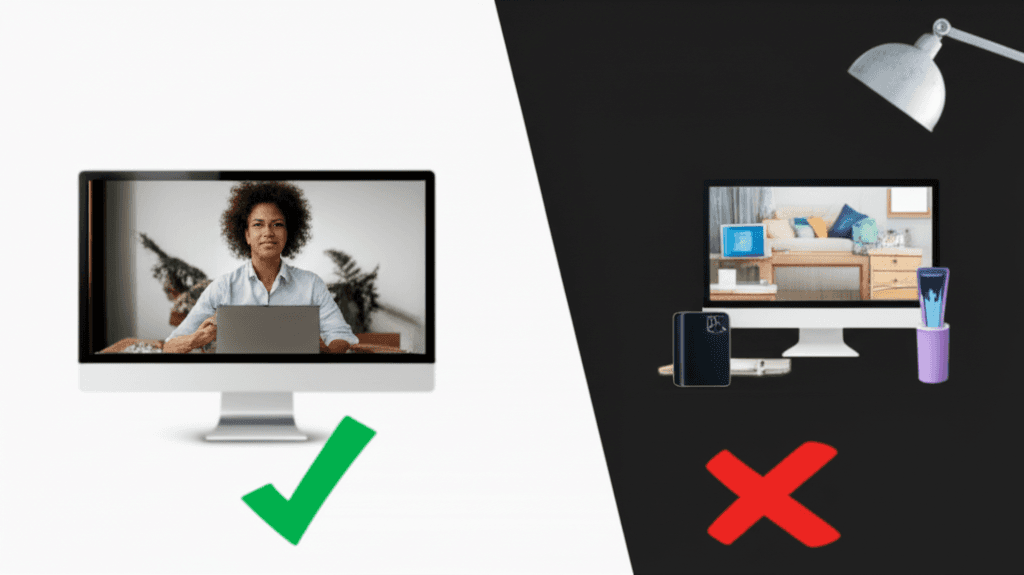
Virtual Background Dos and Don'ts: 12 Rules for Professional Video Calls
Master virtual background etiquette with these 12 essential dos and don'ts. Avoid common mistakes and look professional on every video call.
How to Set Up Virtual Backgrounds in Zoom: Complete 2026 Guide
Step-by-step guide to setting up virtual backgrounds in Zoom, including system requirements, best practices, and troubleshooting tips for professional video calls.
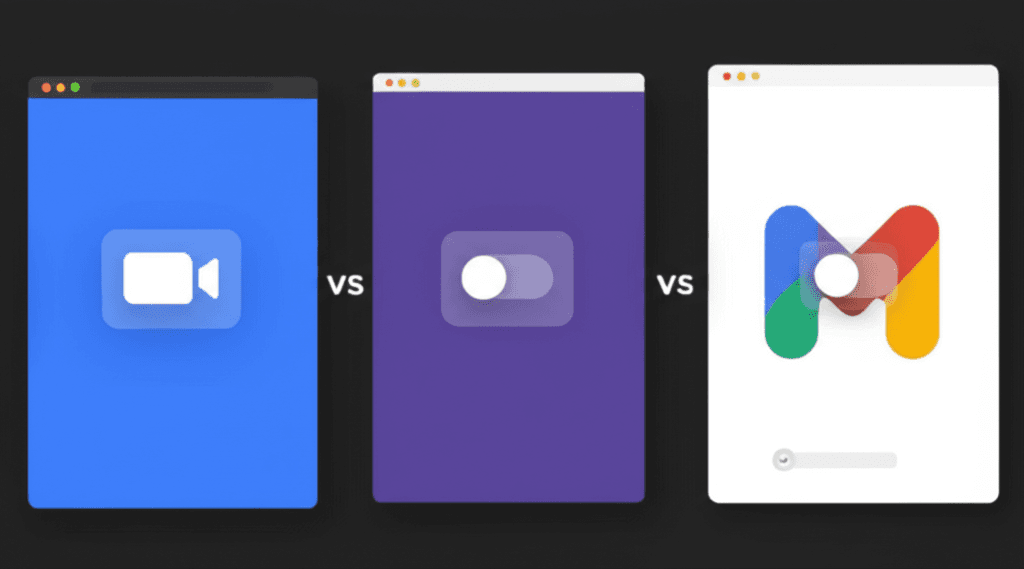
Zoom vs Teams vs Meet: Virtual Background Comparison
A detailed comparison of virtual background features across Zoom, Microsoft Teams, and Google Meet. Learn which platform handles custom backgrounds best.