
Command the room from anywhere
Corporate backgrounds project authority and confidence for high-stakes meetings — board presentations, investor calls, and executive briefings.
Create a Corporate BackgroundWhy choose corporate backgrounds
Authority and gravitas
Boardroom and executive office scenes communicate seniority and decision-making power. When you appear against a polished corporate backdrop, participants instinctively afford you more credibility. This visual authority is especially valuable in negotiations, investor pitches, and leadership communications.
Built for high-stakes calls
Corporate backgrounds are designed to feel appropriate in the most formal contexts — annual general meetings, board reviews, regulatory discussions. They never feel too casual or too creative, striking the exact balance that high-stakes business conversations demand.
Enterprise brand alignment
Large organizations invest heavily in brand consistency across every touchpoint. Corporate backgrounds extend that consistency into video calls, ensuring every employee from the C-suite to new hires presents the same polished, on-brand image externally.
Global professionalism
Corporate aesthetics translate across cultures. A well-appointed boardroom or executive suite is universally understood as a marker of professionalism, making these backgrounds ideal for international calls where cultural nuances in design might otherwise cause confusion.
Featured corporate backgrounds
Preview our curated selection of corporate scenes, then add your logo with scene-aware integration.
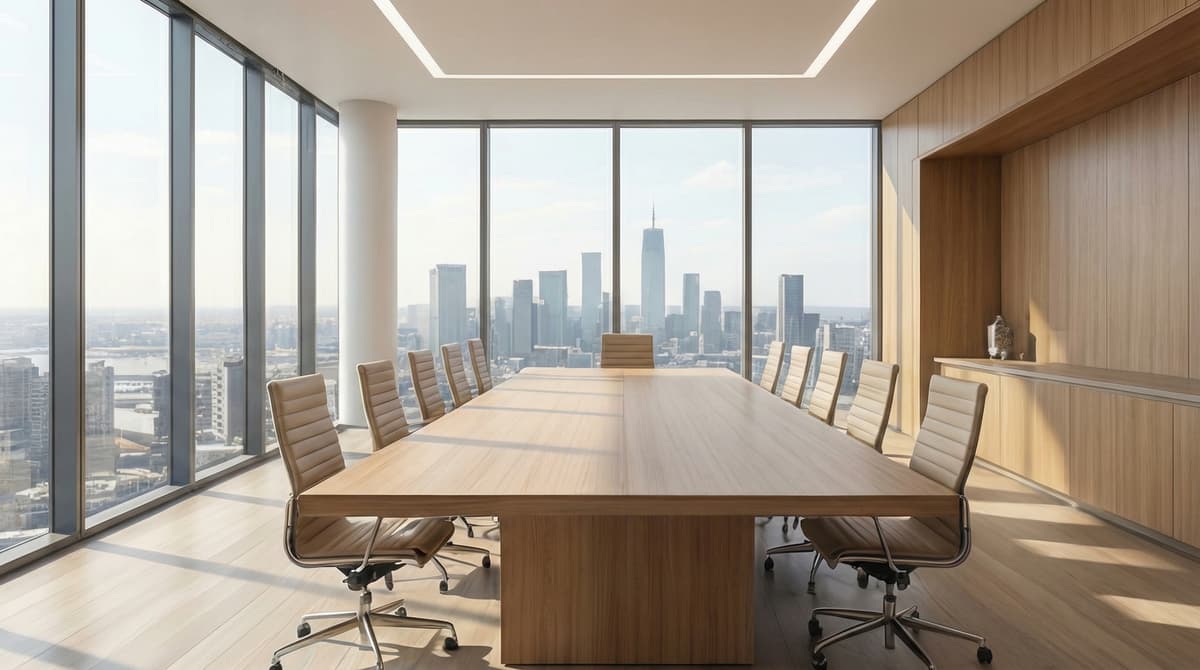
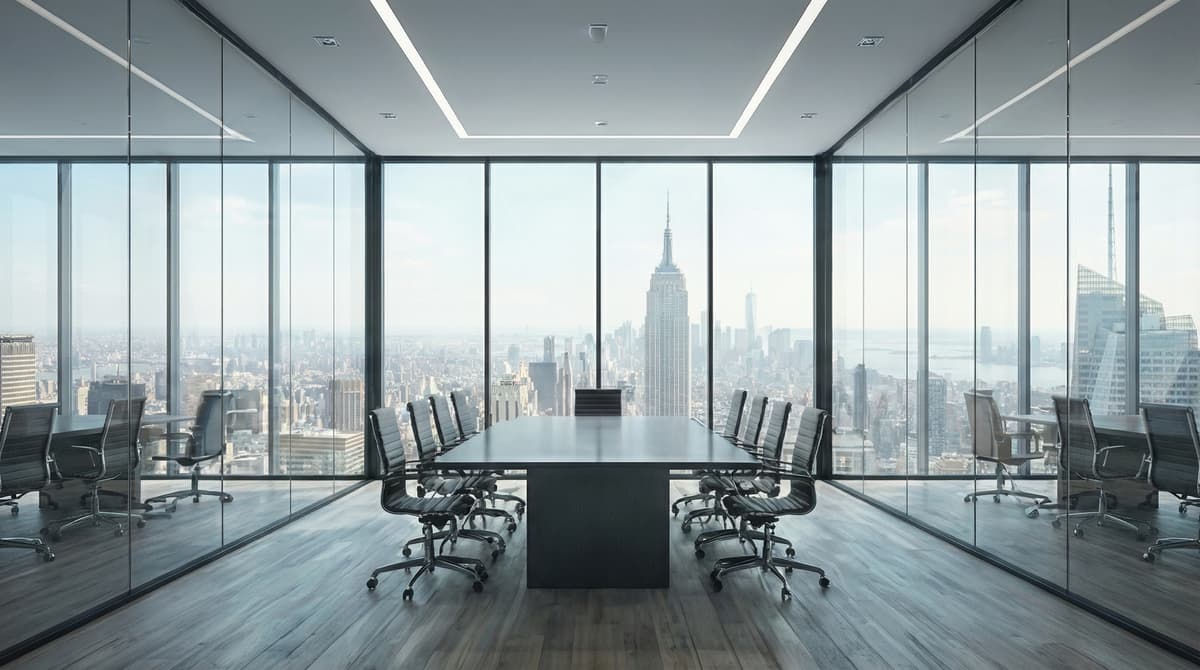
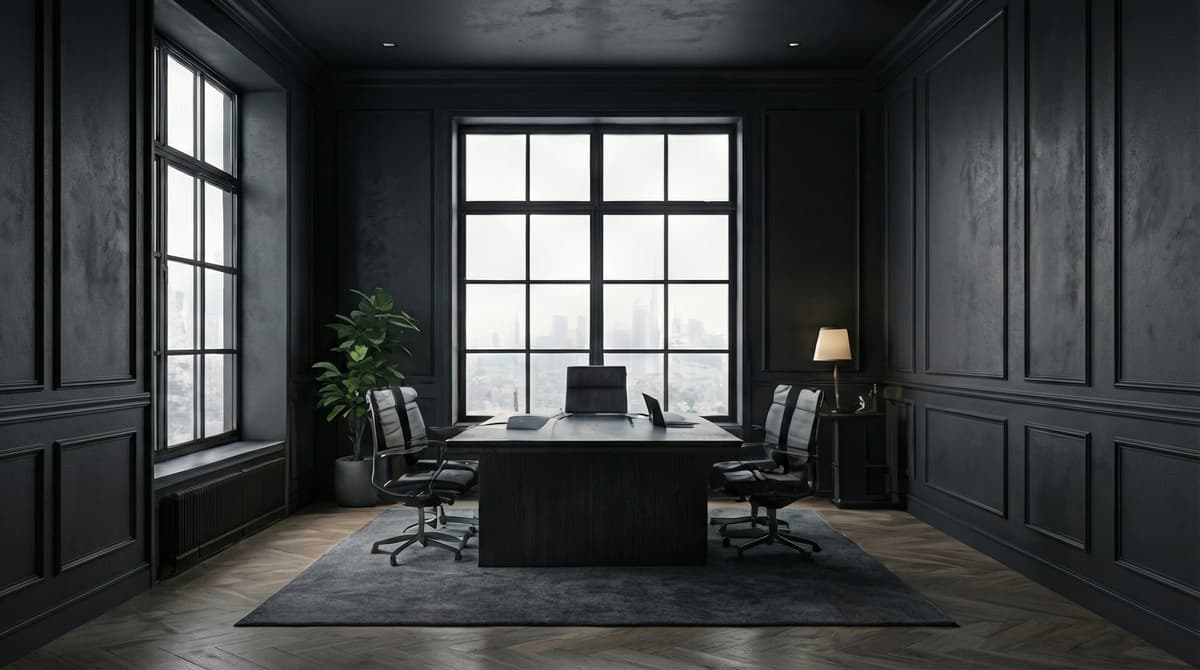
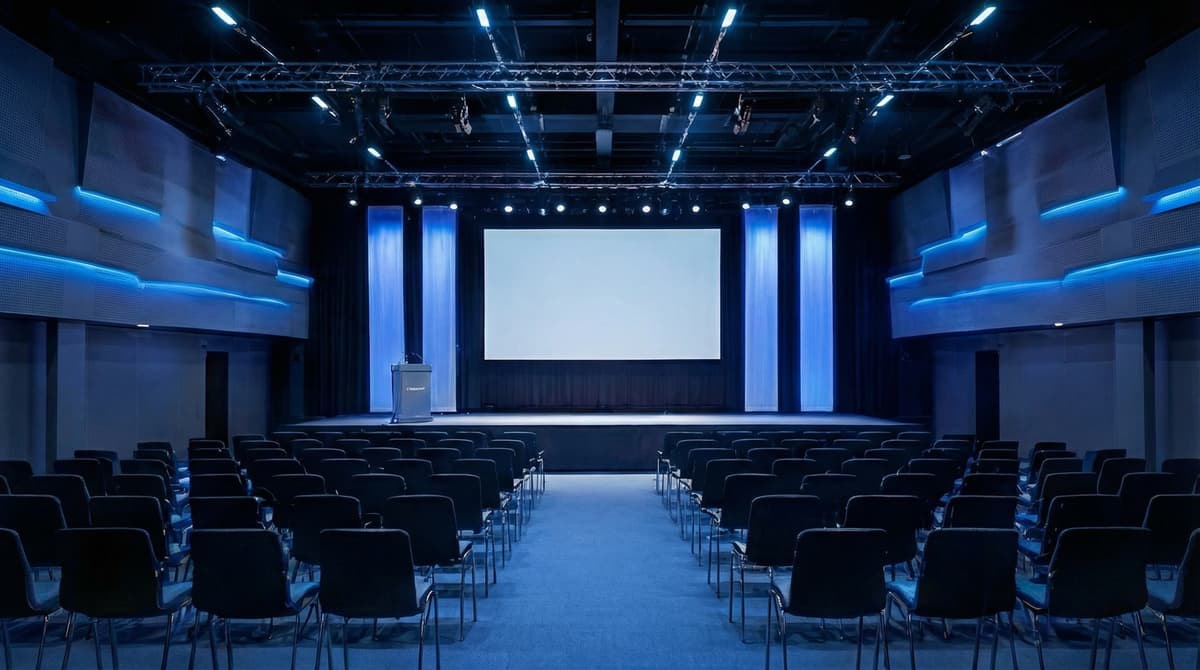
Plus many more corporate scenes to choose from
Frequently Asked Questions
Are corporate virtual backgrounds free to use?
Branded BG offers a curated library of corporate backgrounds. You can preview every scene for free, then purchase individual backgrounds or packs to download high-resolution versions with your logo professionally integrated.
Can I add my company logo to corporate backgrounds?
Absolutely. Our scene-aware technology analyzes each background's lighting, perspective, and surfaces, then places your logo so it looks naturally installed in the environment — like professional office signage rather than a pasted-on sticker.
Do corporate backgrounds work on Zoom, Teams, and Google Meet?
Yes. Every background is exported at 1920x1080, the standard resolution for virtual backgrounds across all major video conferencing platforms including Zoom, Microsoft Teams, Google Meet, and Webex.
How do I set up a corporate virtual background?
Choose your favourite corporate scene, upload your logo, and download your branded background in under 30 seconds. Then open your video app's settings, navigate to background or effects, and upload the image.
What if I'm not happy with the result?
If a generation doesn't meet your expectations, simply email info@brandedbg.com with your request. After a manual review, we'll provide a full refund or create a custom generation that satisfies your needs.
Ready to try corporate backgrounds?
Create your first branded background in under 30 seconds.
Get Started Free